1
Command-Line Conventions
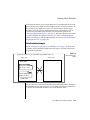
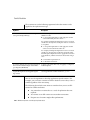
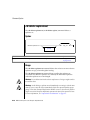
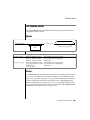
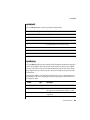
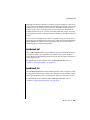
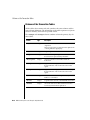
These icons can apply to an entire section or to one or more paragraphs
within a section. If an icon appears next to a section heading, the information
that applies ends at the next heading at the same or higher level. A ♦ symbol
indicates the end of information that appears in one or more paragraphs
within a section.
Command-Line Conventions
This section defines and illustrates the format of commands that are available
in IBM Informix products. These commands have their own conventions,
which might include alternative forms of a command, required and optional
parts of the command, and so forth.
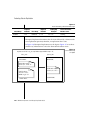
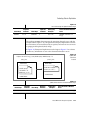
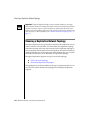
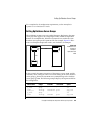
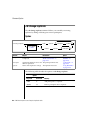
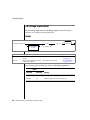
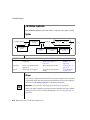
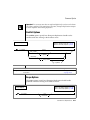
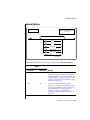
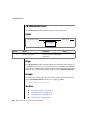
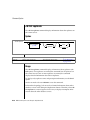
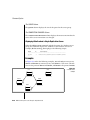
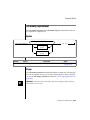
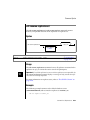
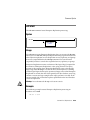
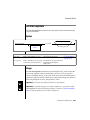
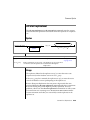
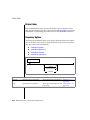
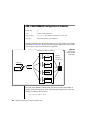
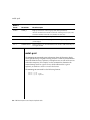
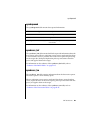
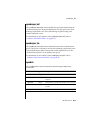
Each diagram displays the sequences of required and optional elements that
are valid in a command. A diagram begins at the upper-left corner with a
command. It ends at the upper-right corner with a vertical line. Between
these points, you can trace any path that does not stop or back up. Each path
describes a valid form of the command. You must supply a value for words
that are in italics.
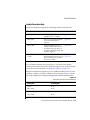
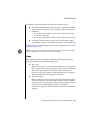
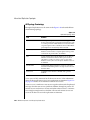
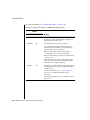
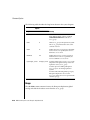
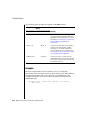
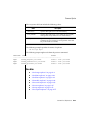
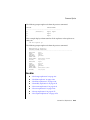
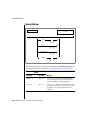
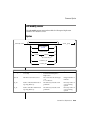
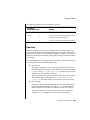
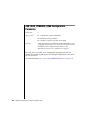
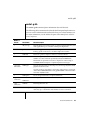
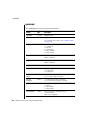
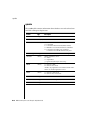
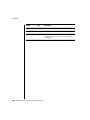
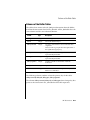
You might encounter one or more of the following elements on a commandline path.
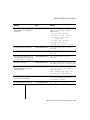
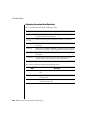
Element
Description
command
This required element is usually the product name or
other short word that invokes the product or calls the
compiler or preprocessor script for a compiled
IBM Informix product. It might appear alone or precede
one or more options. You must spell a command exactly
as shown and use lowercase letters.
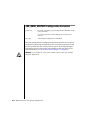
variable
A word in italics represents a value that you must
supply, such as a database, file, or program name. A table
following the diagram explains the value.
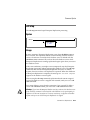
-flag
A flag is usually an abbreviation for a function, menu, or
option name, or for a compiler or preprocessor
argument. You must enter a flag exactly as shown,
including the preceding hyphen.
(1 of 2)
Introduction 11