1
a797 Bourbon.book Page 15 Tuesday, September 22, 2009 10:50 AM
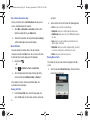
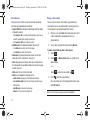
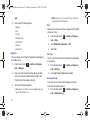
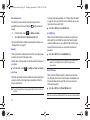
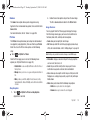
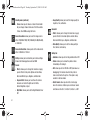
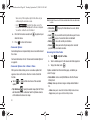
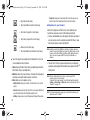
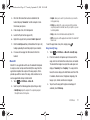
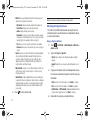
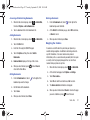
Displays within the Indicators area when a new WAP
message is received.
Displays when a Bluetooth stereo headset has been
paired with the phone.
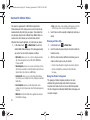
Displays when Inbox is full - Text Message.
Displays when TTY device has been inserted.
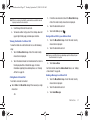
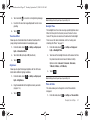
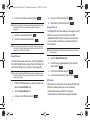
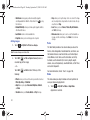
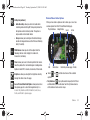
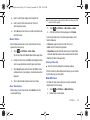
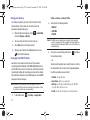
Displays when you set an alarm to ring at a specified
time. For more information, refer to “Alarms” on
page 132.
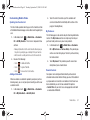
Displays when browsing the web.
Displays when Call forwarding is set to Forward always.
For more information, refer to “Call Settings” on
page 54.
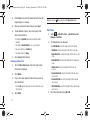
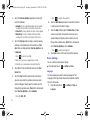
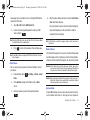
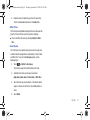
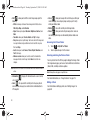
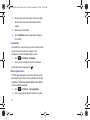
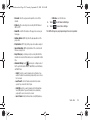
Displays when the Sound profile is set to Normal.
Displays when T-Coil is enabled. For more information,
refer to “T-Coil Mode” on page 54.
For more details on configuring your phone’s settings, see
“Changing Your Settings” on page 39.
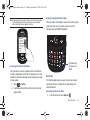
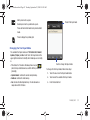
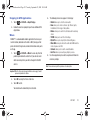
Using the Multitasking Menu
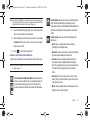
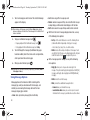
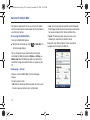
Displays when the Sound profile is set to silent or the
volume has been manually lowered below level 1.
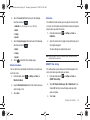
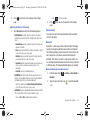
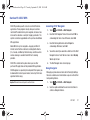
Displays when the Sound profile is set to Driving.
Displays when the Sound profile is set to Outdoor.
Displays when Bluetooth is activated.
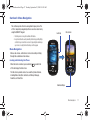
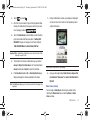
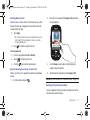
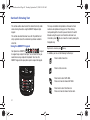
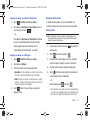
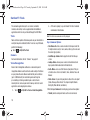
This key (
) launches the Multitask menu that can be
activated from within any active window or page on the phone.
There is no need to stop what you are doing, if you quickly want
to jump out and activate another common feature.
The idea is to allow you to temporarily exit from your current
location to access a group of common functions such as: Call,
Messaging, Mobile Web, Music Player, Games, and End all. This
key keeps you from having to completely exit from your current
task or window, whether that be a text message, a web page, or
an active call, just to quickly do something else.
Understanding Your Phone
15