1
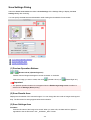
Page Layout Printing
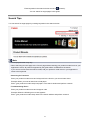
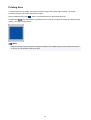
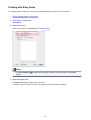
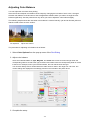
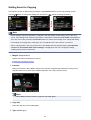
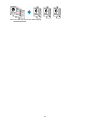
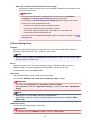
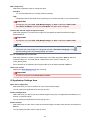
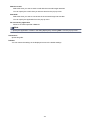
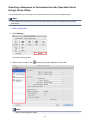
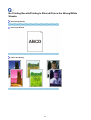
The page layout printing function allows you to print more than one page image on a single sheet of paper.
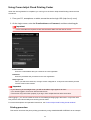
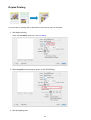
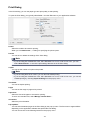
The procedure for performing page layout printing is as follows:
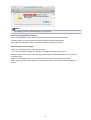
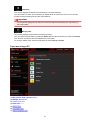
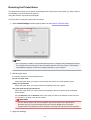
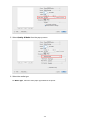
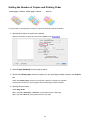
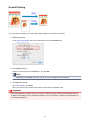
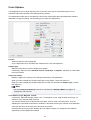
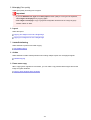
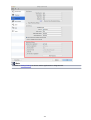
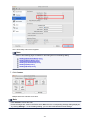
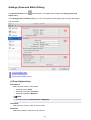
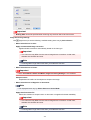
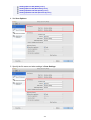
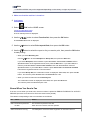
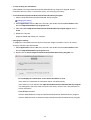
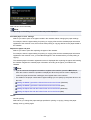
1. Select Layout from the pop-up menu in the Print Dialog
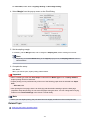
2. Set the number of original you print on one page
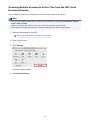
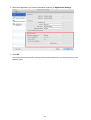
In Pages per Sheet, specify the number of page you print on one page.
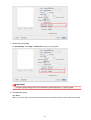
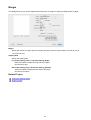
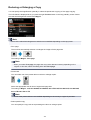
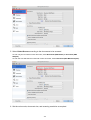
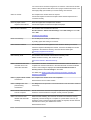
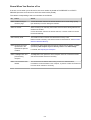
3. If necessary, set the following items
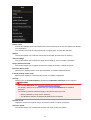
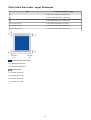
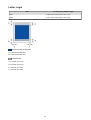
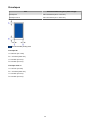
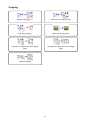
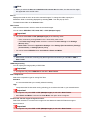
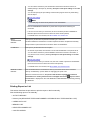
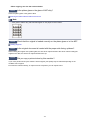
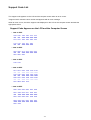
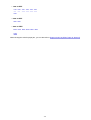
Layout Direction
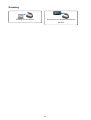
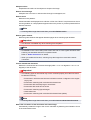
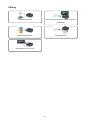
To change the page placement order, select an icon from the list.
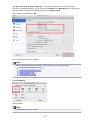
Border
To print a page border around each document page, select a type of page border.
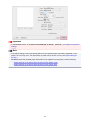
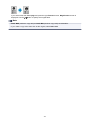
Reverse page orientation
Select this check box to change the paper orientation.
Flip horizontally
Select this check box to reverse left and right of the document.
358