1
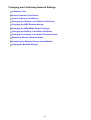
Scan Results Not Satisfactory
Moire Appears in Scan Results
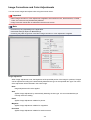
Scan Quality (Image Displayed on the Monitor) Is Poor
Scanned Image Is Surrounded by Extra White Areas
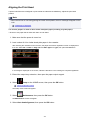
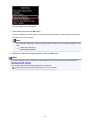
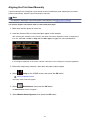
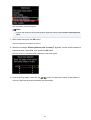
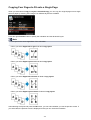
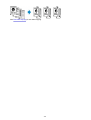
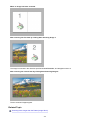
Cannot Scan at the Correct Size
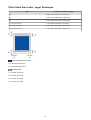
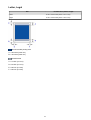
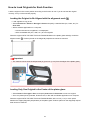
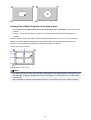
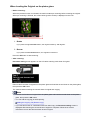
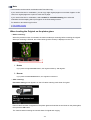
Position or Size of the Image Cannot be Detected Correctly When Scanning
from the Operation Panel
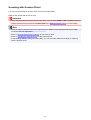
Item Is Placed Correctly, but the Scanned Image Is Slanted
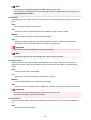
Scanned Image Is Enlarged (Reduced) on the Computer Monitor
743