1
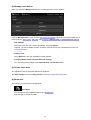
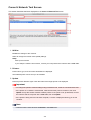
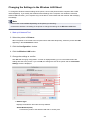
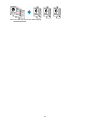
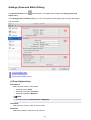
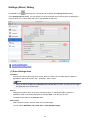
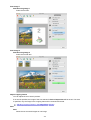
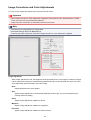
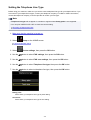
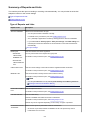
• Text documents smaller than 2L (5 inches x 7 inches) (127 mm x 178 mm), such as
paperback pages with the spine cut off
• Items printed on thin white paper
• Long narrow items such as panoramic photos
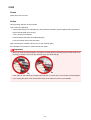
• Reflective disc labels may not be scanned as expected.
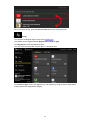
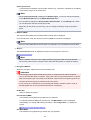
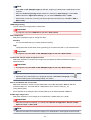
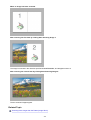
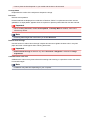
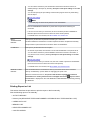
• Place items correctly according to the type of item to be scanned. Otherwise, items may not be
scanned correctly.
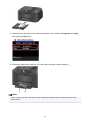
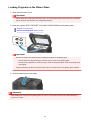
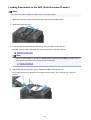
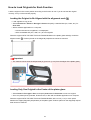
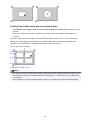
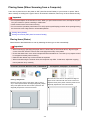
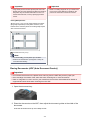
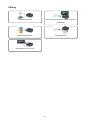
Refer to "Placing Items (When Scanning from a Computer)" for how to place items.
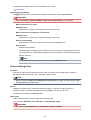
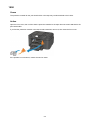
• When scanning two or more documents from the ADF (Auto Document Feeder), place
documents of the same size even if Auto is set.
Note
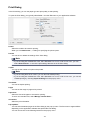
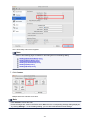
• To convert text in the image into text data after scanning, specify Select Source instead of
selecting Auto.
• To reduce moire, set Select Source to Magazine.
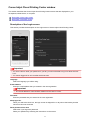
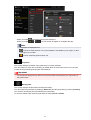
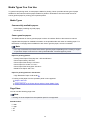
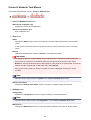
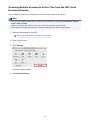
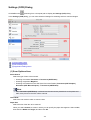
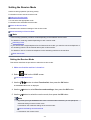
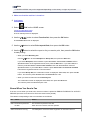
Color Mode
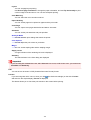
Select the color mode in which to scan the item.
Note
• Only Color is available when Select Source is Auto.
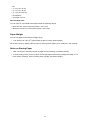
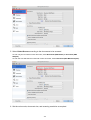
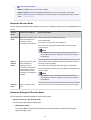
Paper Size
Select the size of the item to be scanned.
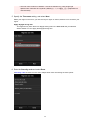
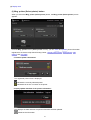
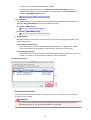
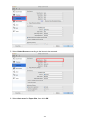
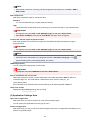
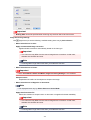
When you select Custom, a screen in which you can specify the paper size appears. Select a Unit,
then enter the Width and Height, and then click OK.
Note
• Only Auto is available when Select Source is Auto.
• Click Defaults in the screen in which you can specify the paper size to restore the specified
settings to the default settings.
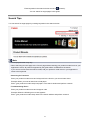
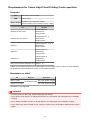
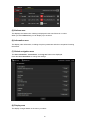
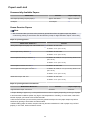
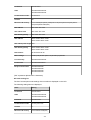
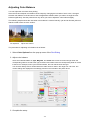
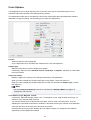
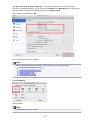
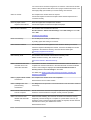
Resolution
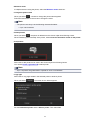
Select the resolution of the item to be scanned.
The higher the resolution (value), the more detail in your image.
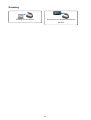
Resolution
Note
• Only Auto is available when Select Source is Auto.
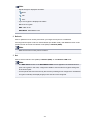
• Only 300 dpi or 400 dpi can be set when Start OCR is selected in Application Settings.
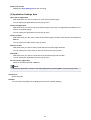
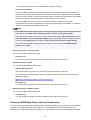
Document Scan Orientation Settings...
This appears when you select ADF or Auto for Select Source.
481