1
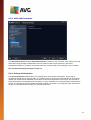
13.5. Online Shield Results
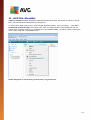
Online Shield scans the content of visited web pages and possible files included in them even before these
are displayed in your web browser or downloaded to your computer. If a threat is detected, you will be warned
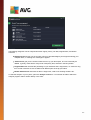
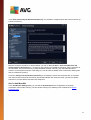
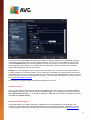
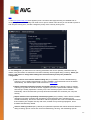
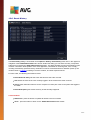
immediately with the following dialog:
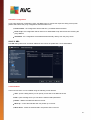
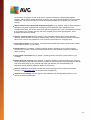
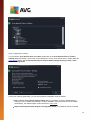
Within this warning dialog you will find information on the object that was detected and assigned as infected (
Threat), and some descriptive facts on the recognized infection (Object name). The More info link will redirect
you to the online virus encyclopedia where you can find detailed information on the detected infection, if these
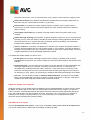
are known. The dialog provides the following control elements:
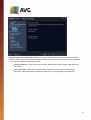
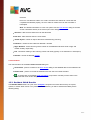
Show details - click the link to open a new pop-up window where you can find information on the
process running while the infection was detected, and the process' identification.
Close - click the button to close the warning dialog.
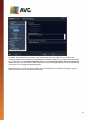
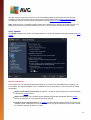
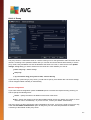
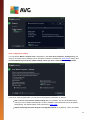
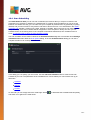
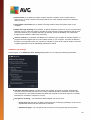
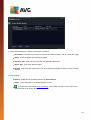
The suspicious web page will not be opened, and the threat detection will be logged in the list of Online
Shield findings. This overview of detected threats is accessible via the Options / History / Online Shield
findings menu item in the upper line navigation of the AVG AntiVirus 2014 main window.
122