1
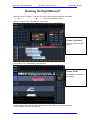
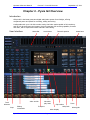
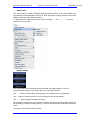
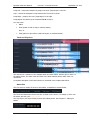
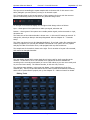
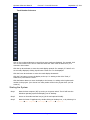
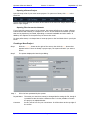
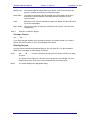
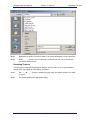
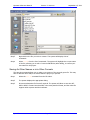
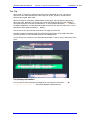
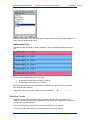
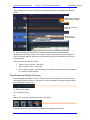
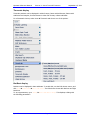
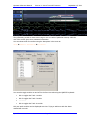
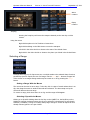
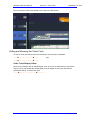
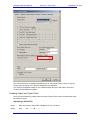
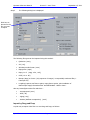
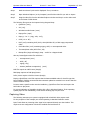
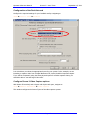
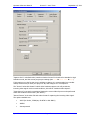
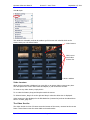
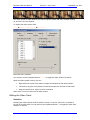
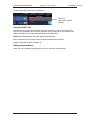
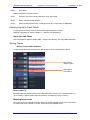
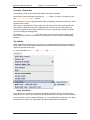
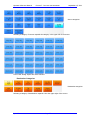
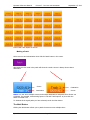
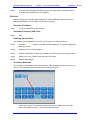
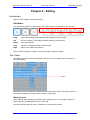
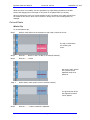
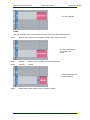
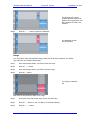
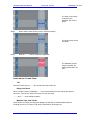
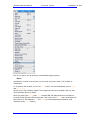
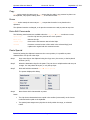
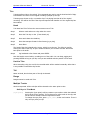
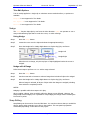
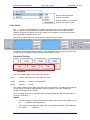
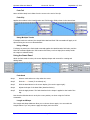
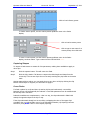
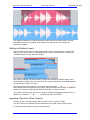
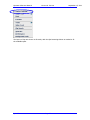
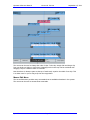
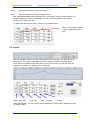
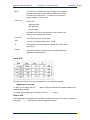
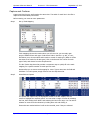
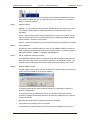
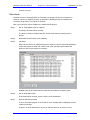
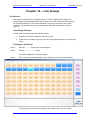
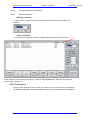
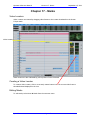
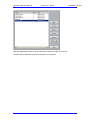
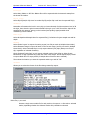
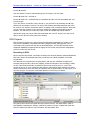
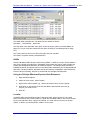
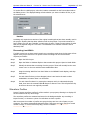
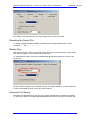
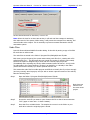
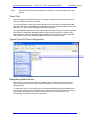
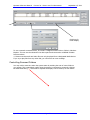
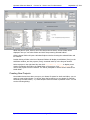
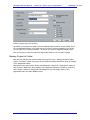
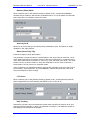
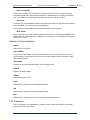
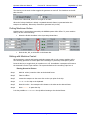
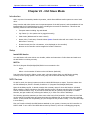
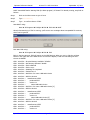
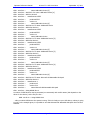
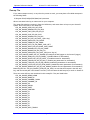
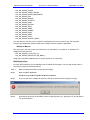
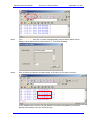
Operator Reference Manual CHAPTER 17 - MARKS September 15, 2011 Chapter 17 - Marks Video Locators Video Locators are created by dragging video frames to the Locator thumbnails in the Dream II Pyxis track: Video Locators Video locators are also indicated by yellow pointers on the timescale. Creating a Video Locator To create a Video Locator, click on a currently vacant locator icon. The current video frame is thumbnailed and displayed in the icon. Editing Marks To edit marks, select View Marks from the onscreen menu. Pyxis G2 Page 115