1
Section 3 - Configuration
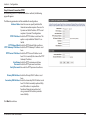
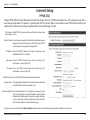
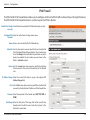
PPPoE
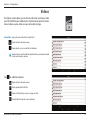
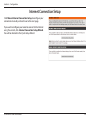
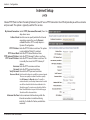
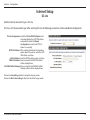
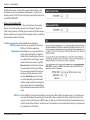
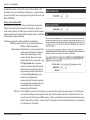
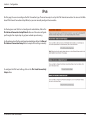
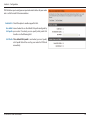
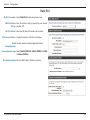
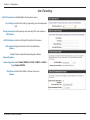
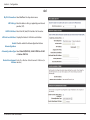
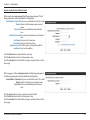
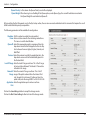
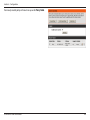
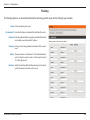
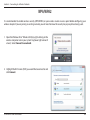
My IPv6 Connection: Select PPPoE from the drop-down menu.
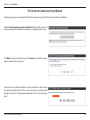
Address Mode: Select Static if your ISP assigned you the IP address, subnet
mask, gateway, and DNS server addresses. In most cases,
select Dynamic.
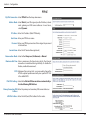
IP Address: Enter the IP address (Static PPPoE only).
User Name: Enter your PPPoE user name.
Password: Enter your PPPoE password and then retype the password
in the next box.
Service Name: Enter the ISP Service Name (optional).
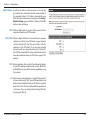
Reconnection Mode: Select either Always-on, On-Demand, or Manual.
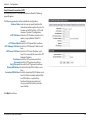
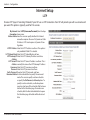
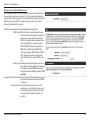
Maximum Idle Time: Enter a maximum idle time during which the Internet
connection is maintained during inactivity. To disable this
feature, enable Auto-reconnect.
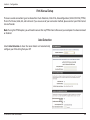
MTU: Maximum Transmission Unit - you may need to change the
MTU for optimal performance with your specific ISP. 1492
is the default MTU.
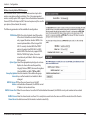
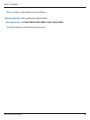
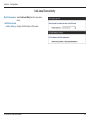
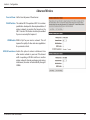
IPv6 DNS Settings: Select either Obtain DNS server address automatically or
Use the following DNS Address.
Primary/Secondary DNS Enter the primary and secondary DNS server addresses.
Address:
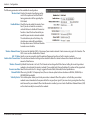
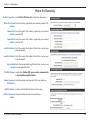
LAN IPv6 Address: Enter the LAN (local) IPv6 address for the router.
D-Link DIR-818LW User Manual
107