1
Device lock
This phone lock feature protects your O2 Xda Flame from unauthorized access. When the
phone lock is activated, your O2 Xda Flame will automatically lock after a specified period
of inactivity. A screen will be displayed requiring your O2 Xda Flame’s “lock password” to be
entered before access is granted.
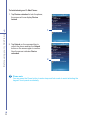
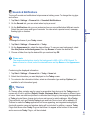
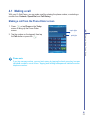
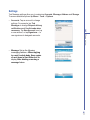
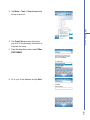
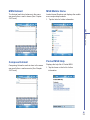
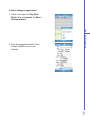
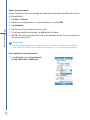
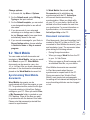
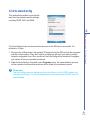
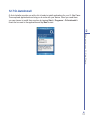
1. Tap Start > Settings > Personal tab >
Lock.
Basic phone functions
4
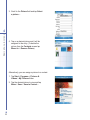
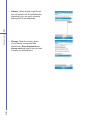
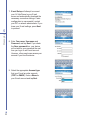
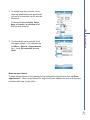
2. Check the Prompt if device unused
for option and set the prompt
notification time.
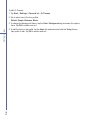
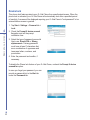
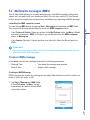
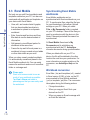
3. Select the type of password you would
like to use: Simple PIN or Strong
alphanumeric. A strong password
must have at least 7 characters that
are a combination of uppercase and
lowercase letters, numbers, and
punctuation.
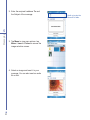
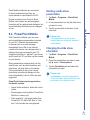
4. Enter the password and confirm, if
necessary.
To disable the Phone lock feature of your O2 Xda Flame, uncheck the Prompt if device
unused for option.
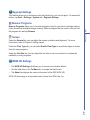
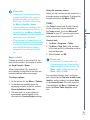
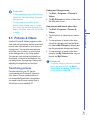
In case you forget your password, you can
provide a password hint in the Hint tab
under the Password tab.
68