1
= 15 .
= 36 .
.
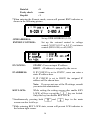
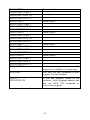
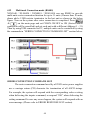
(11) Output
.
FF
:
Control the On/Off of the output power.
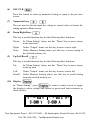
(12) The rotary knob:
Use this knob to adjust voltage or current (press
cursor display first). This is adjustable when output is ON.
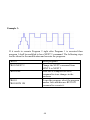
(13) Enter
first to let
:
This key is the confirmation key of current or voltage setting value; or
press
under output status to dynamically adjust voltage (at CV
mode) or current (at CC mode).
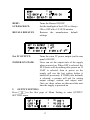
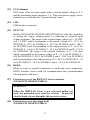
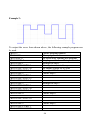
(14) Mem
:
Press this key to enter access the storage memory. Users can then use the
numerical key or knob to select the target memory set to save or recall
the configuration by pressing the STORE or RECALL key. Ten sets are
available in selection.
.
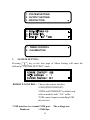
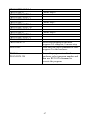
(15) Menu
=
.
FF
:
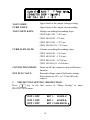
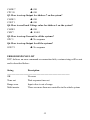
Use this key to enter system parameter settings. There are eight (8) major
items under operation. Users may press
to scroll
,
through the menu list or the numerical keys to enter the corresponding
item number in the menu list.
14