1
KDevelop User Manual
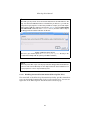
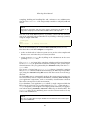
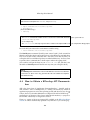
If you click into the edit field labeled ISearch in the toolbar, the search is performed as you type. You will find that often the desired term is already found
after typing in 3 or 4 letters.
6.4.3
Grep
Both search mechanisms described above are restricted to searching within one
source file. An additional tool which allows you to search through a (possibly
large) number of files is available through the Search in Files... item in the Edit
menu. It is basically a frontend for the grep(1) program.
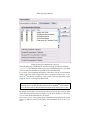
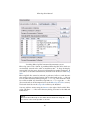
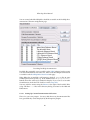
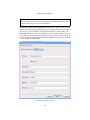
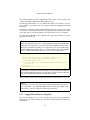
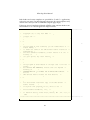
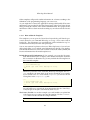
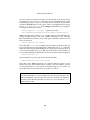
In the dialog, you can specify which files are searched. There is a number of
wildcard patterns available in a combobox. In this way, you can easily restrict
the find mechanism to header files. Furthermore, you specify a directory where
the search is started. If you check the Recursive box, the search iterates through
all directories in the hierarchy below this one.
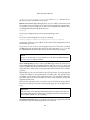
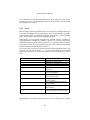
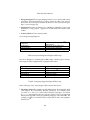
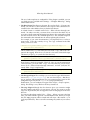
The search term is in general a regular expression following POSIX syntax. For
example, you can use the term "\<K.*" if you want to find all words which
begin with the letter K. The following characters are interpreted in a special
way:
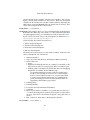
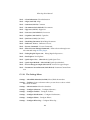
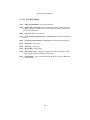
Matches any character
Matches the beginning of a line
Matches the end of a line
Matches the beginning of a word
Matches the end of a word
The preceding item matches less
than once
The preceding item is matched
zero or more times
The preceding item is matched
once or more times
The preceding item is matched
exactly n times
The preceding item is matched n
or more times
The preceding item matches less
than n times
The preceding item matches at
least n times but less than m times
.
ˆ
$
\<
\>
?
*
+
{n}
{n,}
{,n}
{n,m}
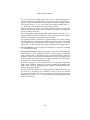
Backreferences to bracketed subexpressions are also available by the notation
\n.
68