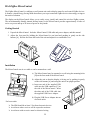
1
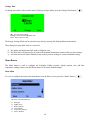
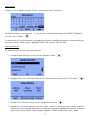
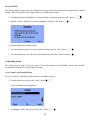
b) Press the “Ok” button
to save the highlighted Program Status.
Note: While on this screen, if no buttons are pressed for 5 seconds, the display will return to the
previous screen.
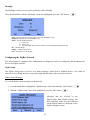
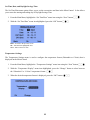
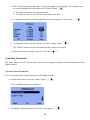
6. To change the program schedule of the load, from the Options screen, highlight “Program Setup” and
then press the “Ok” button.
There are 4 time schedules that affect all loads. If you change a Time and/or Status in a schedule, it will
change the Time and/or Status for all devices that use that schedule.
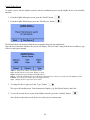
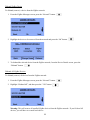
a) To select the Schedule to be modified, press the “Next” button.
The “Next” button will cycle between Schedule 1, Schedule 2, Schedule 3, and Schedule 4.
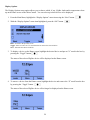
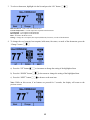
b) To modify the selected schedule (with the desired Schedule listed at the top of the screen), press the
“Change” button.
c) Read the Warning message and then press the “OK” button.
13