1
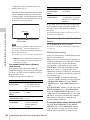
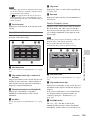
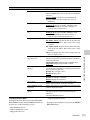
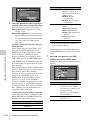
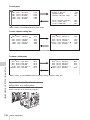
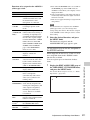
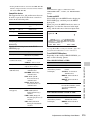
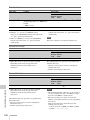
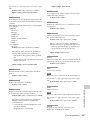
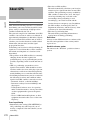
To select the file information items to be
displayed
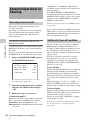
To load a scene file saved on a USB flash
drive
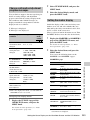
You can select the items of file information to be
displayed on the SCENE STORE pages (P01 to
P20) or the SCENE RECALL pages (P01 to P20)
used for saving data to or loading data from a
USB flash drive.
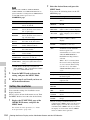
You can select the scene file information items to
be displayed on the SCENE STORE page and
SCENE RECALL page of the SCENE FILE
menu.
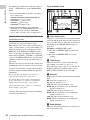
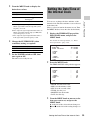
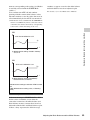
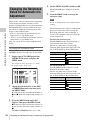
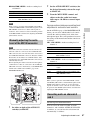
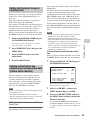
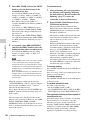
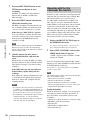
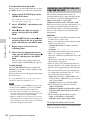
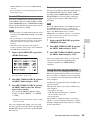
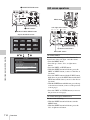
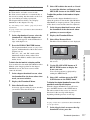
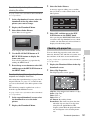
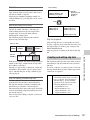
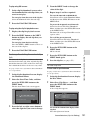
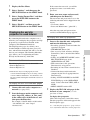
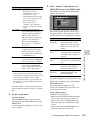
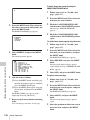
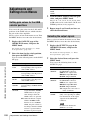
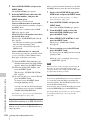
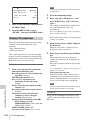
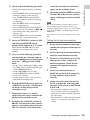
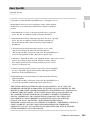
1 Select SCENE RECALL, and press the
MENU knob.
The SCENE RECALL page appears.
2 Turn the MENU knob until the page
which contains the desired file number
appears, then press the MENU knob.
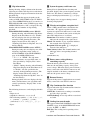
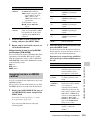
3 Select the desired file number, and
press the MENU knob.
The message “RECALL OK? YES b
NO” appears.
For details about item selection, see the description
of step 2 and following of “To select the file
information items to be displayed” (page 222).
3
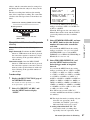
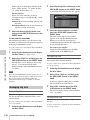
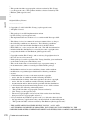
To cancel, press the MENU knob leaving b
pointing to NO.
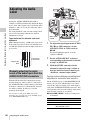
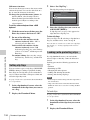
When the loading is completed, the message
“COMPLETE” appears. The camcorder is
set up according to the loaded scene file. If no
file is present with a particular file number,
this is shown as “NO FILE”.
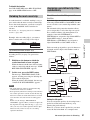
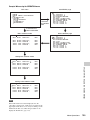
Loading scene files
(How to select an item in the menu screen: Turn
the MENU knob to move b to the desired item.)
1
2
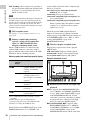
To carry out the recall, select YES and
press the MENU knob.
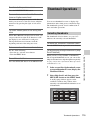
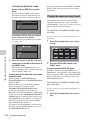
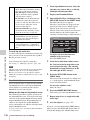
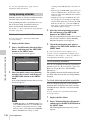
Display the SCENE FILE page of the
FILE menu, and press the MENU knob.
For details on menu operations, see “Basic
menu operations” (page 193).
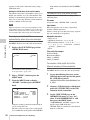
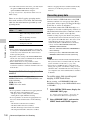
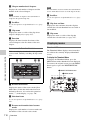
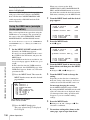
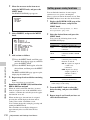
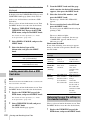
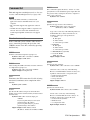
To load scene files from a USB flash
drive into the camcorder memory
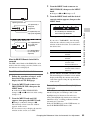
To load the scene file stored in the
camcorder, select the desired file
number, and press the MENU knob.
You can load up to five scene files stored on a
USB flash drive into the camcorder memory in a
single operation.
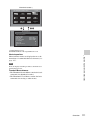
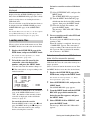
(How to select an item in the menu screen: Turn
the MENU knob to move b to the desired item.)
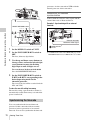
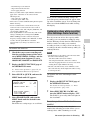
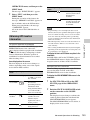
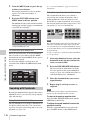
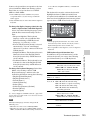
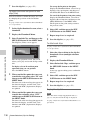
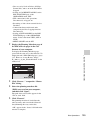
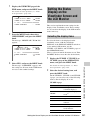
s on the left of the file number changes to
x. The camcorder is set up according to the
loaded scene file.
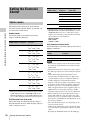
F04 SCENE FILE
Display the SCENE FILE page of the
FILE menu, and press the MENU knob.
For details on menu operations, see “Basic
menu operations” (page 193).
2
:
:
EXEC
EXEC
When DISP SCENE FILE on the VF DISP 3
page of the OPERATION menu is set to
“ON”, the number of the currently loaded
scene file is displayed on the viewfinder
screen (see page 31).
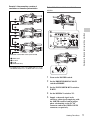
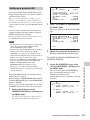
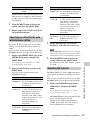
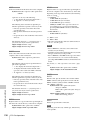
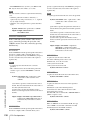
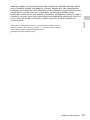
To cancel the selected scene file
Turn the MENU knob to move b to x, and
press the MENU knob again. x changes to
s. The camcorder returns to the settings
before selecting this scene file.
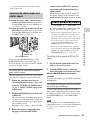
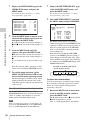
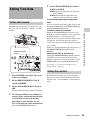
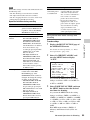
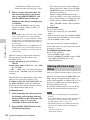
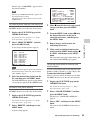
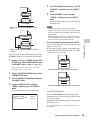
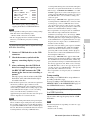
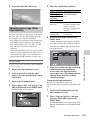
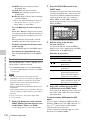
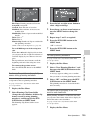
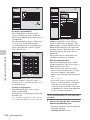
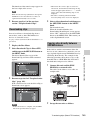
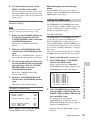
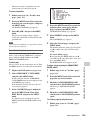
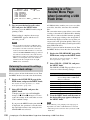
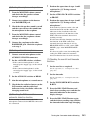
Select SCENE RECALL, and press the
MENU knob.
The SCENE RECALL page appears.
3
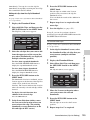
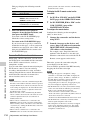
Turn the MENU knob until the SCENE
RECALL page which contains the
desired scene files appears, and press
the MENU knob.
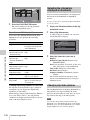
4
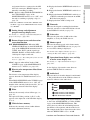
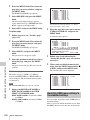
Select 5FILE LOAD b MEM1-5, and
press the MENU knob.
The message “RECALL OK? YES b NO”
appears.
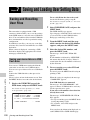
Saving and Loading Scene Files
Chapter 7 Saving and Loading User Setting Data
s1
:SCENE 25
x2
:SCENE 26
s3
:SCENE 27
s4
:SCENE 28
s5
:NO FILE
s STANDARD
SCENE RECALL
SCENE STORE
F.ID :SCENE21
1
TOP
225