1
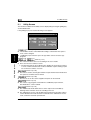
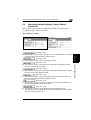
5.1 Utility Screen
5
Using Copy Programs
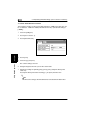
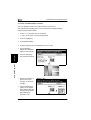
A user-specified copy mode can be stored as a copy program.
Each of the 10 copy programs that can be stored can be given a name (up to 9
characters long).
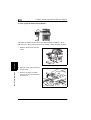
To store a copy program
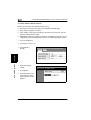
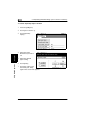
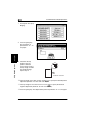
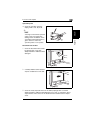
1 Select the desired Copy mode settings.
❍
For details on selecting Copy mode settings, refer to “Specifying Copy
Setting” in the Basic Operations volume.
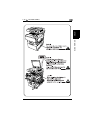
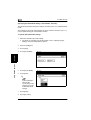
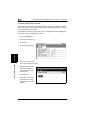
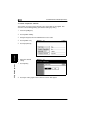
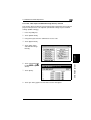
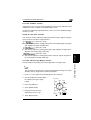
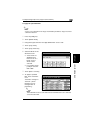
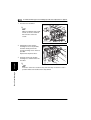
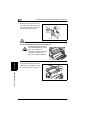
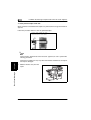
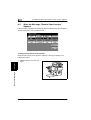
2 Press the [Utility] key.
3 Touch [Input].
4 Touch [Job Memory Input].
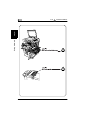
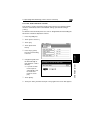
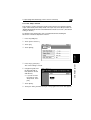
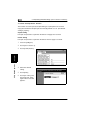
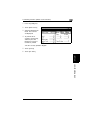
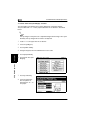
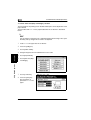
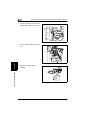
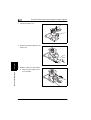
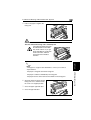
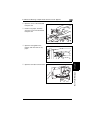
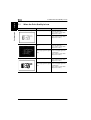
5 Touch the number of
Chapter 5
the program where you
wish to store the
settings.
Utility Mode Operations
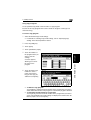
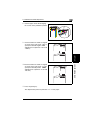
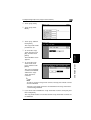
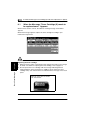
A screen appears,
allowing you to enter
the name of the
program.
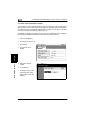
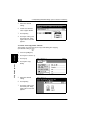
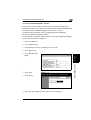
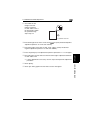
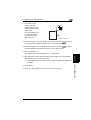
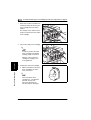
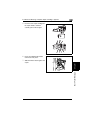
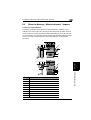
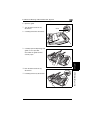
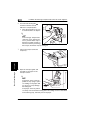
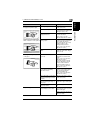
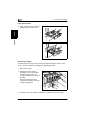
6 Touch the letters and
numbers to enter a
name (9 characters
long) for the copy job,
and then touch [Enter].
❍
❍
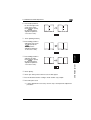
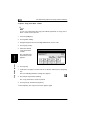
To delete a copy program
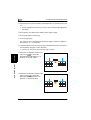
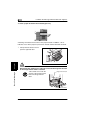
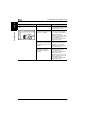
Touch [Delete], and then touch the number of the program that you wish to
delete. When the number of the program is selected, the program is deleted.
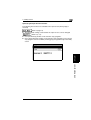
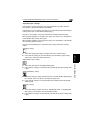
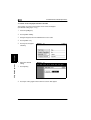
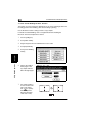
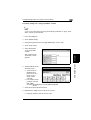
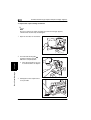
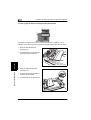
To check the specified settings of a program
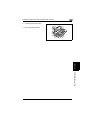
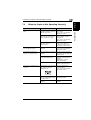
Touch [Check], and then touch the number of the program that you wish to
check. The specified Copy mode settings are displayed. To return to the Job
Memory Input screen, touch [Enter].
5-5