1
DComplex IP Camera Viewer User Manual
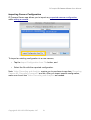
Importing Camera Configuration
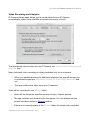
IP Camera Viewer app allows you to import any exported camera configuration
while adding a camera.
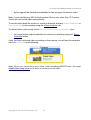
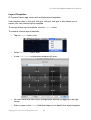
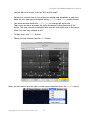
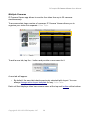
To import an existing configuration to a new camera,
•
Tap the Import Configuration from File button, and
•
Select the file with the exported configuration.
Note: Video Recording and Analytics require you to purchase in-app item Recording
Camera #2, Recording Camera #3 and etc. After you import camera configuration,
make sure to set item Video Recording and Analytics as needed.
Copyright © 2011-2012 DComplex, LLC
21