1
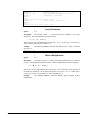
Description:
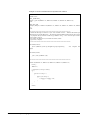
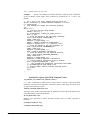
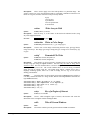
Creates or modifies the value of attribute $attname associated with variable
$varname. If $varname is empty string, the attribute is added to the “global” attributes of the
NetCDF file. A floating point value (value), or a string ($strvalue) can be written.
Example:
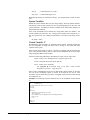
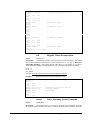
The following demonstrates the process.
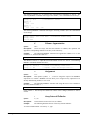
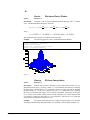
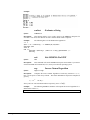
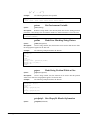
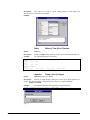
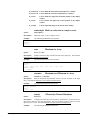
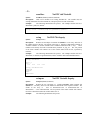
[ready]: ncwriteatt(“newfile.nc”,”myvariable”,”version”,3)
0
[ready]: ncwriteatt(“newfile.nc”,”myvariable”,”Units”,”degrees C”)
0
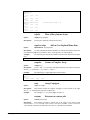
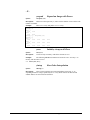
nint
Nearest Integer
Syntax:
nint(a) or a.nint
Description:
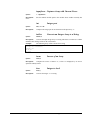
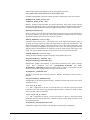
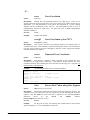
Compute the nearest integer for each element in the array.
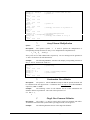
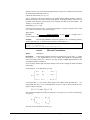
Example:
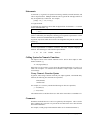
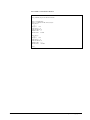
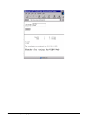
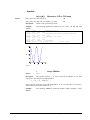
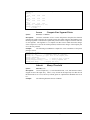
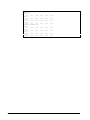
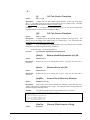
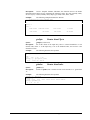
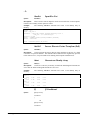
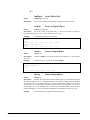
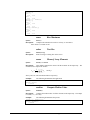
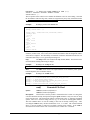
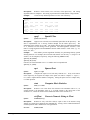
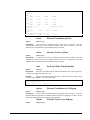
The following MSHELL statement will compute the nearest integer for each
element of the input array, ‘a’, and store the result in ‘c’.
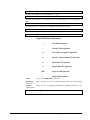
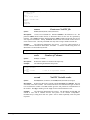
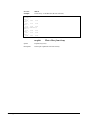
[ready]:
[ready]:
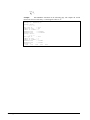
row 0 =
0.00
row 1 =
1.00
a = randu(2,4)
nint(a)
// create a random 2x4 matrix
1.00
1.00
0.00
1.00
0.00
0.00
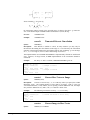
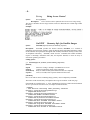
nlines
Syntax:
Returns number of Lines
nlines($string)
Description:
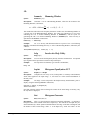
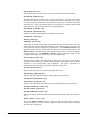
This function returns the number of lines contained in the string
"$string".
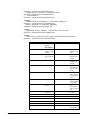
nrows
Number of Rows
Syntax:
nrows(a) or a.nrows
Description:
Returns the number of rows in the input array.
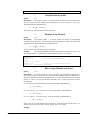
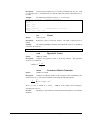
Example:
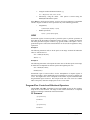
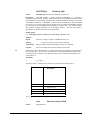
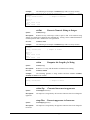
The following demonstrates the process.
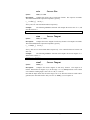
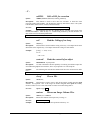
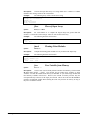
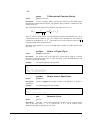
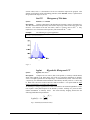
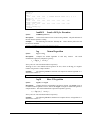
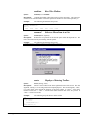
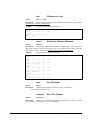
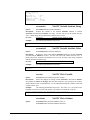
[ready]: a = (0,255,1,10356) //create 10357x256 matrix
[ready]: nrows(a)
10356
[ready]: a.nrows
// this command is equivalent
10356
B-124•Appendix B : Internal Functions
ProVIEW User’s Manual