1
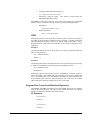
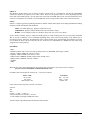
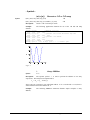
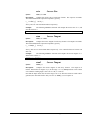
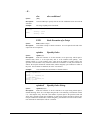
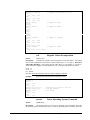
$x(3,4)
// returns character 4 at row 3
$x(3,4:10)
// returns substring at row 3
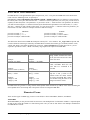
Relational Operations are permitted on strings. See Program Flow Control for more
info.
System Variables
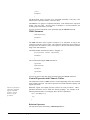
Within the system variables there are plot, image display, and script related variables.
The majority of the system variables are used for plotting purposes by the ‘plot’ and
‘plot3d’ functions. A complete list of these variables can be found in the dictionary of
internal functions under M_.
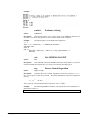
Some of the ProVIEW system variables are strings while others are numbers. All
system variables are prefixed by 'M_'. String system variables do not require the ‘$’,
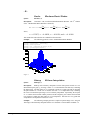
they are a special case. For example, to initialize the x-axis label to the string “Time”
use
M_xlabel="Time";
Virtual Variable ’V’
ProVIEW has a special variable, 'V', called the virtual variable. With this variable the
user can manipulate an image file which can be as large as the whole disk space
available in the system.
If the user has a huge image in a file or is going to be working with an image that can
not be easily held in memory, then he or she can still manipulate pieces of the large
image using ProVIEW's virtual variable.
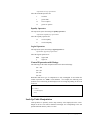
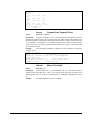
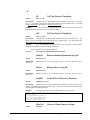
The basic virtual related functions in ProVIEW are Vopen, Vclose, and Vnew().
Vopen - Links 'V' to a floating point or 1 byte/pixel type of file,
Vclose - Stops link between 'V' and a disk file,
Vnew - Creates a new virtual file.
(See Appendix B for detailed usage of the above virtual variable
manipulatory functions. - Pages B-87:88)
Once a link is established between a file in disk and the virtual variable 'V', then the
user can access rectangular regions of interest in the disk file for read or write
operations (the user must always provide a rectangular region of interest when writing
or reading from 'V').
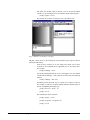
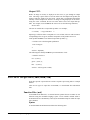
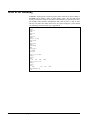
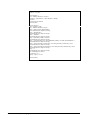
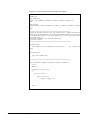
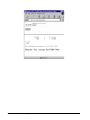
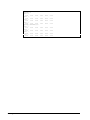
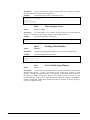
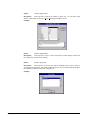
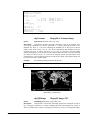
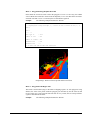
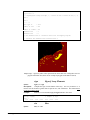
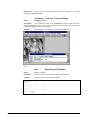
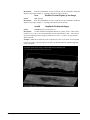
Example: The following script file illustrates the use of ProVIEW's virtual variable
'V'.
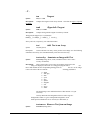
M_cwd = "/proview/images/clemen/moonbrus"
roi
= wdef(0,0,1,1)
V=Vopen("allmoon.chr",5760::11521::1::0,roi,0);
flyby = 0
view flyby;
i=0;
while(i<35){
meter("flyover virtual image",i/35*100);
angle= i/35*6.28
roi = wdef(2336+128*cos(angle),6926+128*sin(angle),256,256)
flyby = V(roi)
i = i+1
}
meter("",-1);
Vclose(V);
40 • MSHELL Interpreter Language
ProVIEW User’s Guide