1
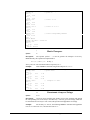
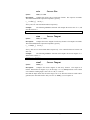
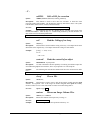
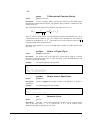
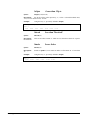
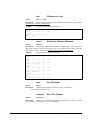
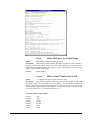
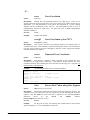
-Ddbclose
Closes access to an external database
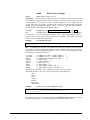
Syntax:
dbclose($database)
Description:
Use this command to close the alerady opened database.
Example:
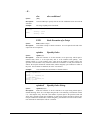
The following line will close the connection to the database “Clemen”.
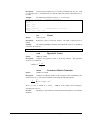
[ready]: status = dbclose(“Clemen”)
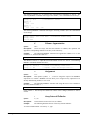
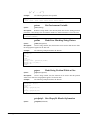
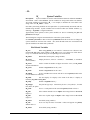
dbconnect Connects to an external database
Syntax:
dbconnect ($database)
Description:
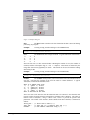
Use this command to connect to an external datbase. The string passed is the
name which has been previouly defined for the database in the ODBC administration tool.
Example:
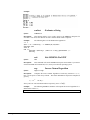
The following line connects to the external database “Clemen” for access.
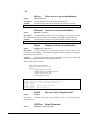
[ready]: status = dbconnect("Clemen")
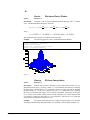
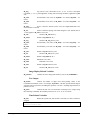
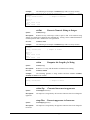
dbsqltr
Syntax:
Transacts with an external database
dbsqltr($query,<$filename>)
Description:
Use this command to post the passed string as the next query for the
previously connected database. The filename is an optional parameter which is for passing the
returned data to the named file.
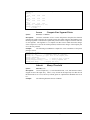
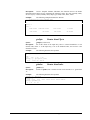
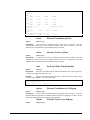
Example:
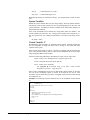
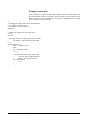
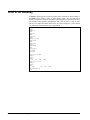
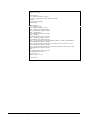
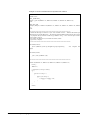
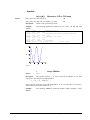
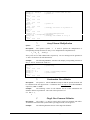
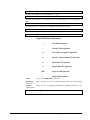
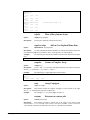
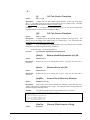
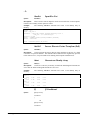
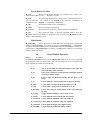
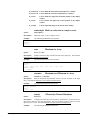
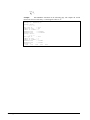
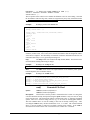
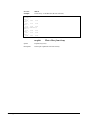
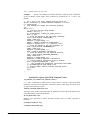
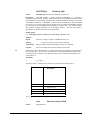
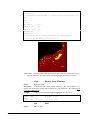
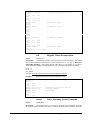
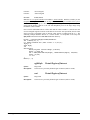
The following example will query the database “Clemen” for VOLID and
NEW_IMAGENAME based upon the five passed conditionals.
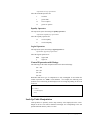
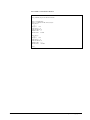
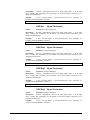
The following is the file “test.sql”.
SELECT VOLID, NEW_IMAGENAME
FROM Clemen (INDEX = clemen_ACT_idx)
WHERE (
(SENSOR_NAME=’UVVIS’) AND
(MISSION_PHASE=’LUNAR MAPPING’) AND
(CENTER_LATITUDE>=86) AND
(CENTER_LATITUDE<=90) AND
(SLANT_DISTANCE<10000)
)
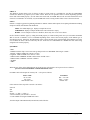
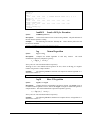
[ready]:
[ready]:
[ready]:
[ready]:
[ready]:
[ready]:
[ready]:
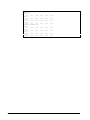
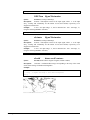
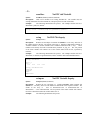
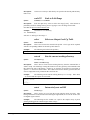
status = dbconnect(“Clemen”)
$query = readtext(“\\\\arctic\\mongo\\out.sql”)
$filename = “\\\\arctic\\mongo\\out.txt”
M_time
$result = dbsqltr($query,$filename)
M_time
status = dbclose(“Clemen”)
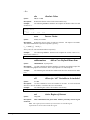
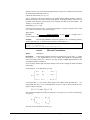
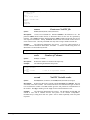
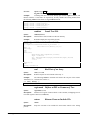
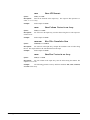
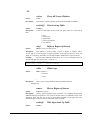
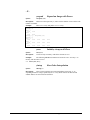
dct8x8
Syntax:
Discrete Cosine Transform (8x8)
dct8x8(a)
Description:
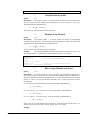
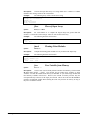
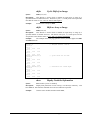
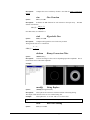
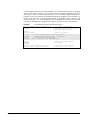
Computes the discrete cosine transform of each 8 x 8 block within the
specified array "a".
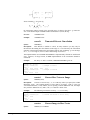
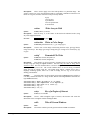
DDEExec Signal Decimation
Syntax:
B-92•Appendix B : Internal Functions
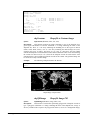
decimate(a,rowskip,columnskip)
ProVIEW User’s Manual