1
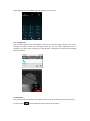
Come into the call records, you can view missed calls, received calls and outgoing calls. The
calling time is viewed in each record and features such as calling, sending messages and adding
to new contacts can be set. Deleting call records and setting up speed dial can be done in the
menu.
3.23.
Widget
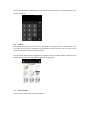
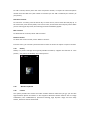
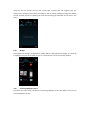
The widget is on the right of applications in Main Menu, holding down this widget, you can drag
it anywhere you want in the main screen. It is convenient for you to enter that procedure.
3.24.
Selecting Wallpaper Source
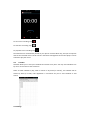
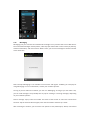
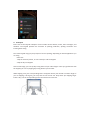
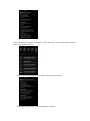
Hold down the main screen, the options of selecting wallpaper source will appear, then you can
set up wallpapers you like.