1
Add-on Modules
Import HighTemp Wedge
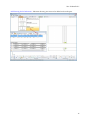
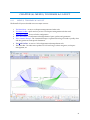
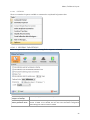
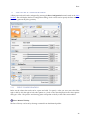
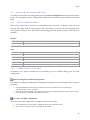
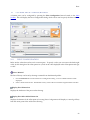
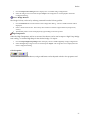
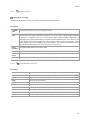
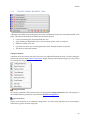
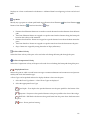
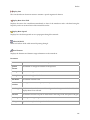
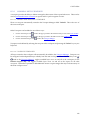
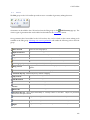
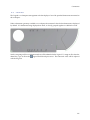
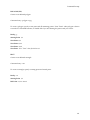
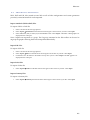
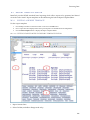
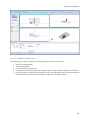
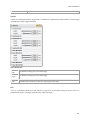
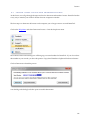
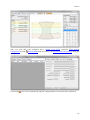
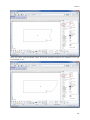
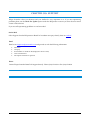
Wedge data can be imported into BeamTool from an available catalog. To import:
1.
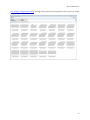
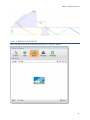
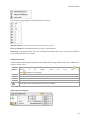
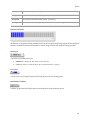
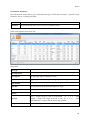
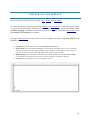
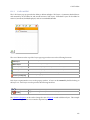
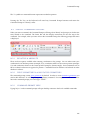
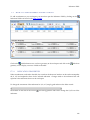
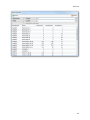
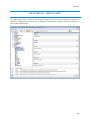
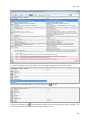
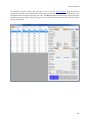
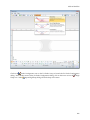
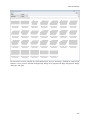
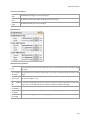
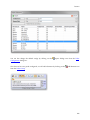
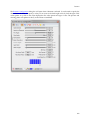
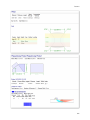
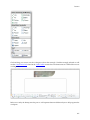
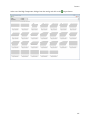
Press the Import Wedge button to display a list of available wedge configurations.
2.
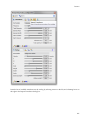
Select the wedge record to be used and press Import. The wedge data is now displayed in the Probe
Configuration dialog.
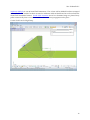
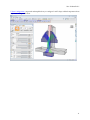
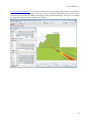
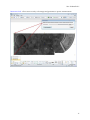
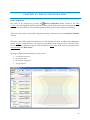
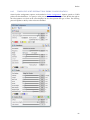
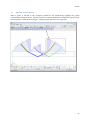
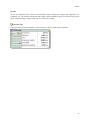
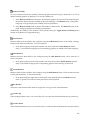
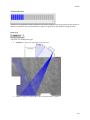
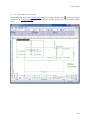
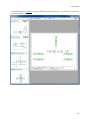
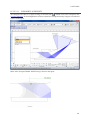
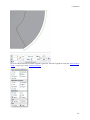
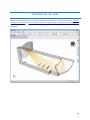
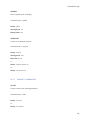
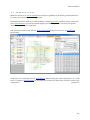
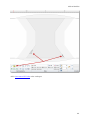
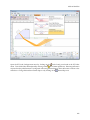
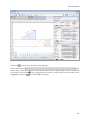
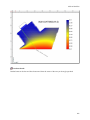
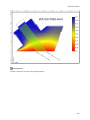
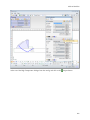
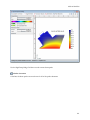
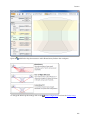
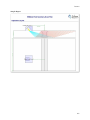
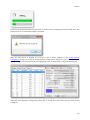
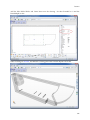
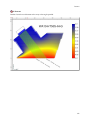
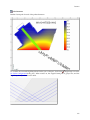
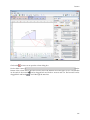
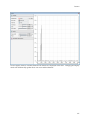
Visualize HighTemp
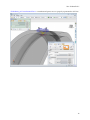
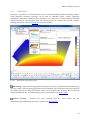
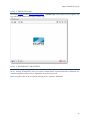
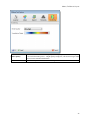
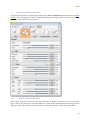
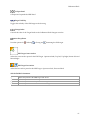
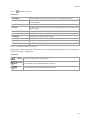
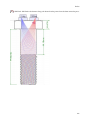
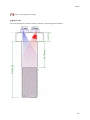
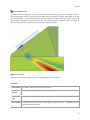
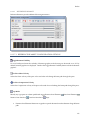
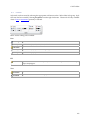
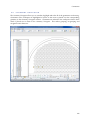
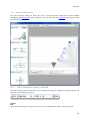
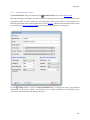
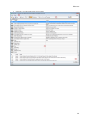
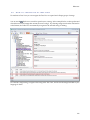
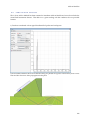
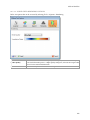
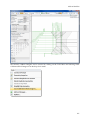
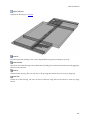
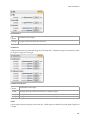
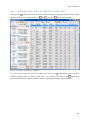
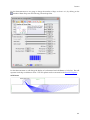
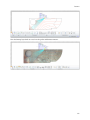
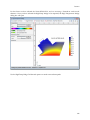
Used to open the High Temperature Wedge dialog box after a HighTemp Wedge has been imported.
22.8.1
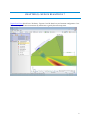
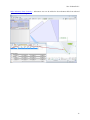
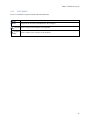
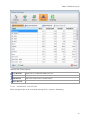
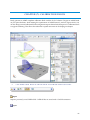
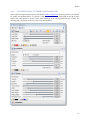
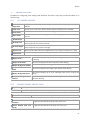
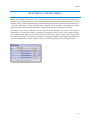
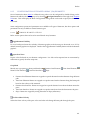
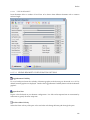
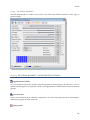
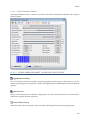
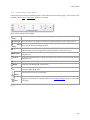
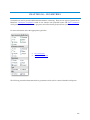
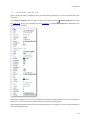
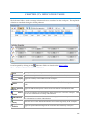
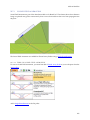
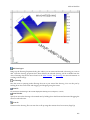
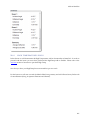
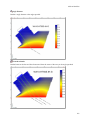
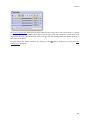
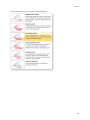
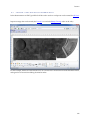
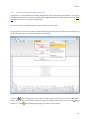
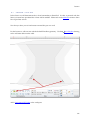
HIGH TEMPERATURE WEDGE TOOLBAR
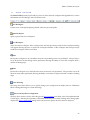
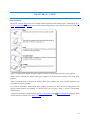
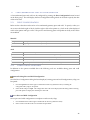
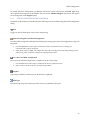
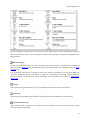
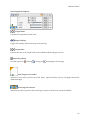
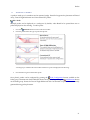
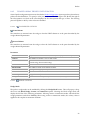
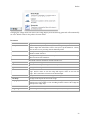
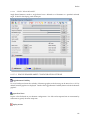
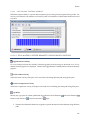
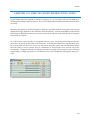
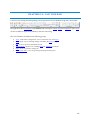
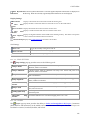
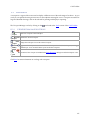
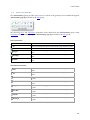
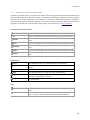
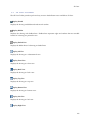
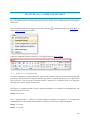
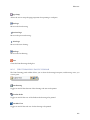
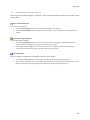
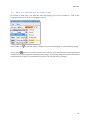
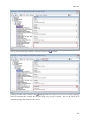
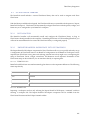
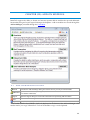
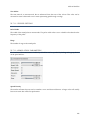
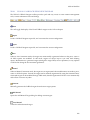
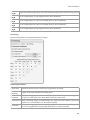
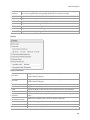
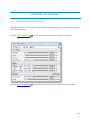
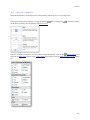
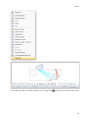
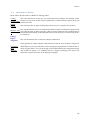
The HighTemp Wedge Toolbar provides quick and easy access to some common HighTemp management
tools
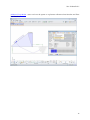
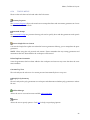
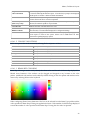
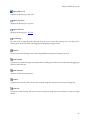
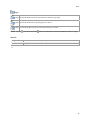
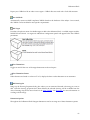
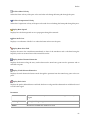
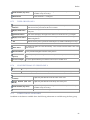
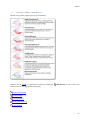
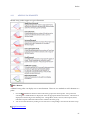
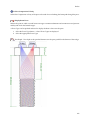
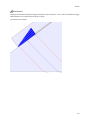
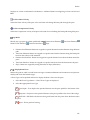
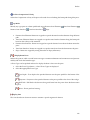
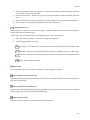
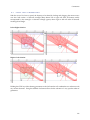
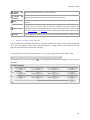
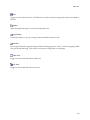
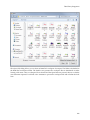
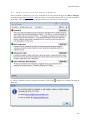
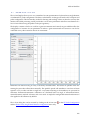
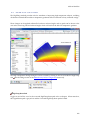
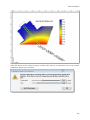
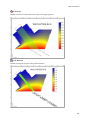
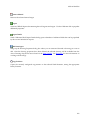
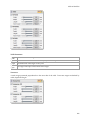
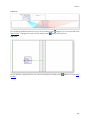
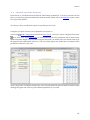
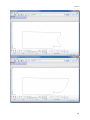
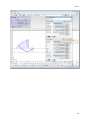
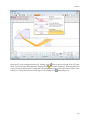
Calculate Correction
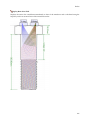
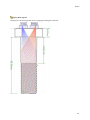
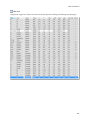
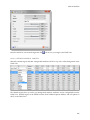
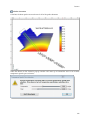
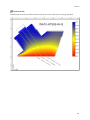
Calculates the beam path correction factors for all of the probes beamsets.
260