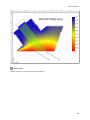
1
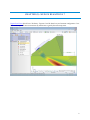
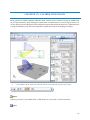
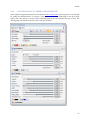
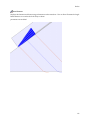
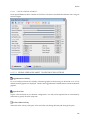
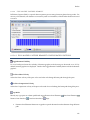
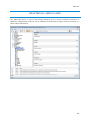
Calibration Block
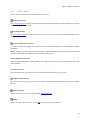
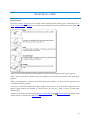
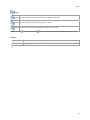
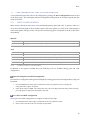
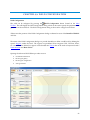
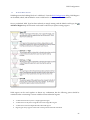
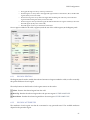
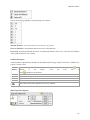
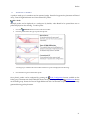
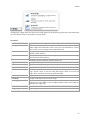
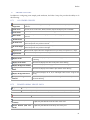
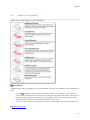
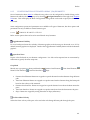
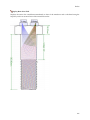
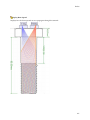
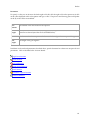
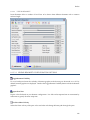
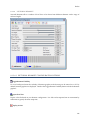
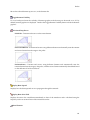
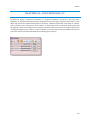
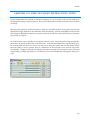
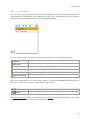
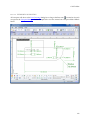
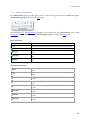
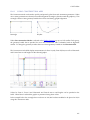
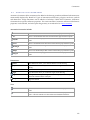
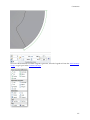
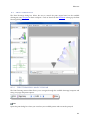
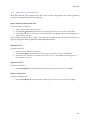
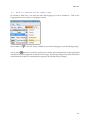
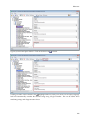
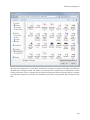
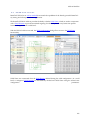
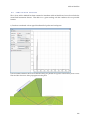
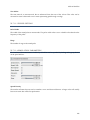
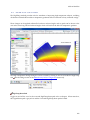
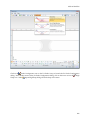
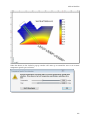
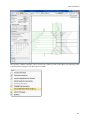
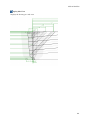
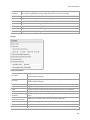
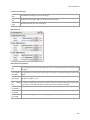
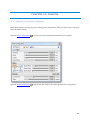
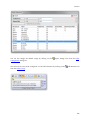
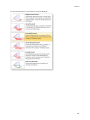
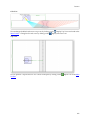
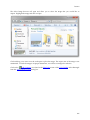
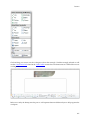
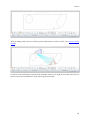
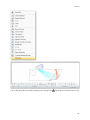
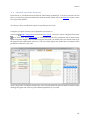
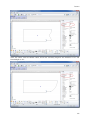
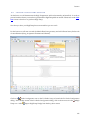
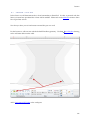
Choose the factoring applied by using the drop down menus:
Absolute Distance - exact measurement from reference to position.
Factor of Thickness - measurement based on a factor of the thickness.
Factor of D - measurement based on a factor of D (minimum distance set by user). The value of D defaults
to the ASME standard of 1/2" (13mm).
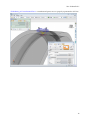
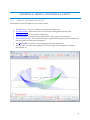
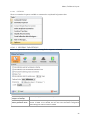
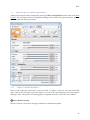
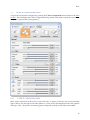
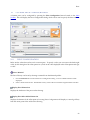
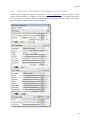
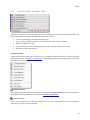
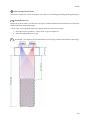
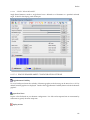
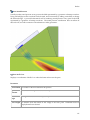
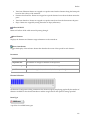
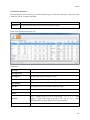
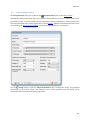
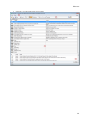
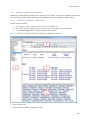
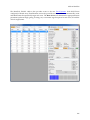
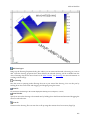
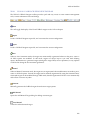
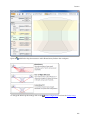
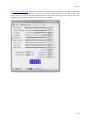
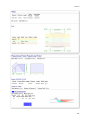
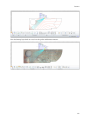
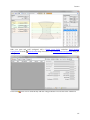
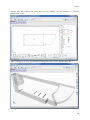
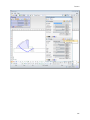
CalBlock Parameters
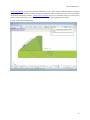
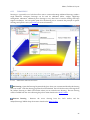
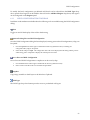
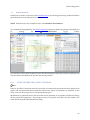
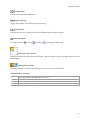
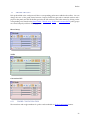
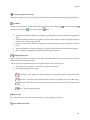
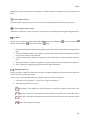
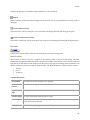
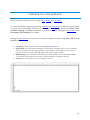
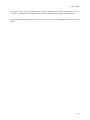
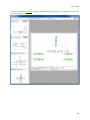
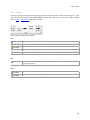
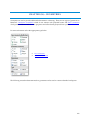
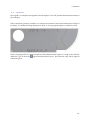
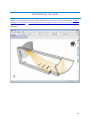
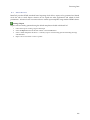
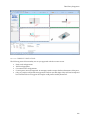
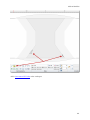
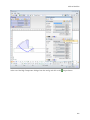
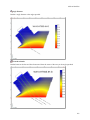
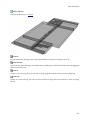
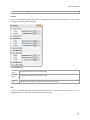
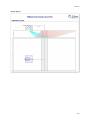
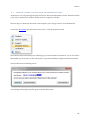
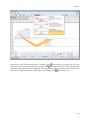
A serial number or identification number can be added to the drawing. Double-click on the "CalBlock" text
to enter a custom value.
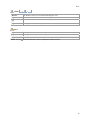
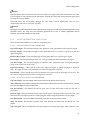
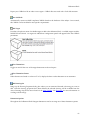
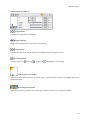
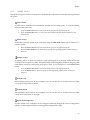
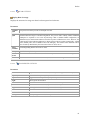
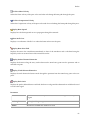
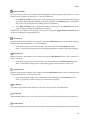
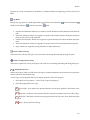
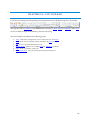
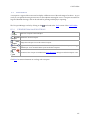
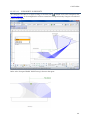
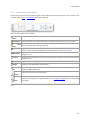
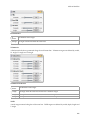
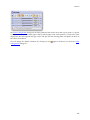
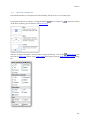
Thickness
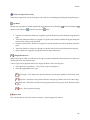
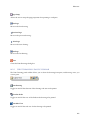
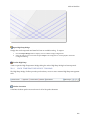
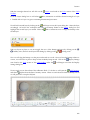
Adjusts the overall thickness of the calibration block on the Y axis. The Thickness is Locked
thickness
of
the
subject.
Click
the
Lock
icon
to the
to
Unlock
and adjust to any thickness.
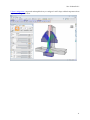
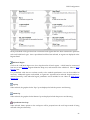
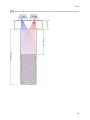
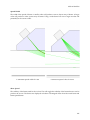
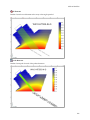
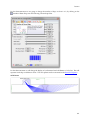
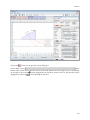
Adjusts the overall width of the calibration block on the X axis.
Width
Adjusts the overall depth of the calibration block on the Z axis.
Depth
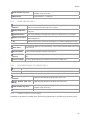
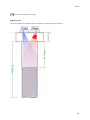
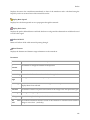
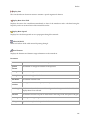
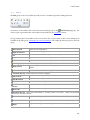
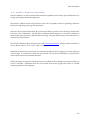
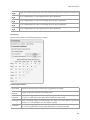
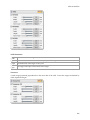
Adjusts the minimal distance value. This value defaults to the ASME standard of 1/2" (13mm).
D
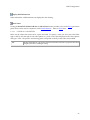
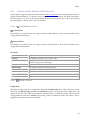
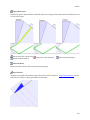
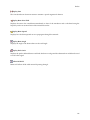
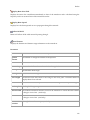
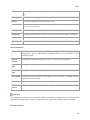
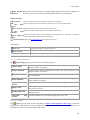
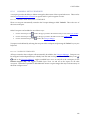
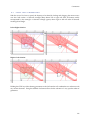
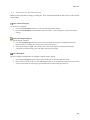
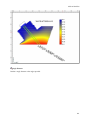
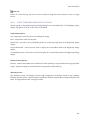
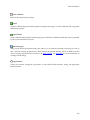
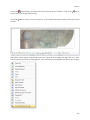
Left Radius Adds a radius to the bottom left hand corner of the CalBlock.
Right
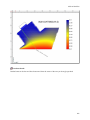
Adds a radius to the bottom right hand corner of the CalBlock.
Radius
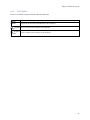
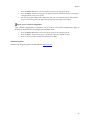
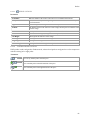
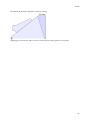
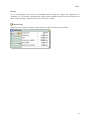
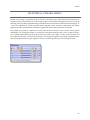
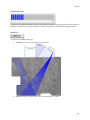
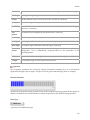
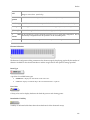
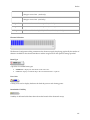
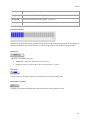
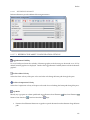
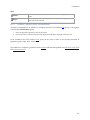
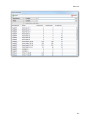
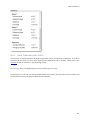
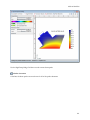
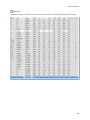
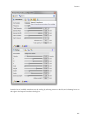
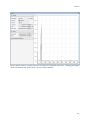
SDH Target Panel Options
66