1
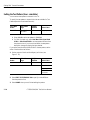
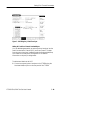
Setting SDH Transmit Parameters
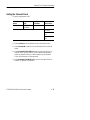
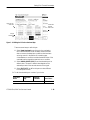
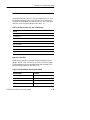
H Select STM-1E or 0E, STM-1, STM-4, STM-0E, or STM-0 to
transmit an SDH signal.
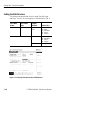
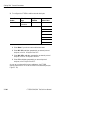
H Select 2 Mb/s, 34 Mb/s, 140Mb/s to transmit a PDH signal. See
the next section for details on setting PDH signal parameters.
H If your CTS 850 test set supports the 45 Mb/s option, there is also
a 45 Mb/s signal available for selection.
NOTE. Even though there are output connectors for both SDH and
PDH signals on the CTS850 front panel, the CTS850 can transmit
only one type of signal at a time.
Independent Transmit and Receive Settings
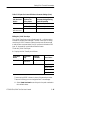
Generally, you can set the transmit and receive settings independently. For example, you can receive an electrical signal at the STM-1E
or 0E rate while simultaneously transmitting an optical signal at the
STM-4 rate.
Coupling Transmit and Receive Settings
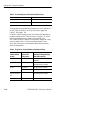
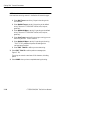
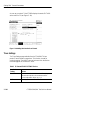
If your application requires that the transmit settings and receive
settings be identical, you can save time by coupling them together.
After they are coupled, any change you make to a parameter on the
TRANSMIT SETTINGS page will also be made to the corresponding setting in the RECEIVE SETTINGS page of the RECEIVE
menu. The inverse is also true.
CTS850 SDH/PDH Test Set User Manual
3 73