1
DLREADER USER'S MANUAL
1
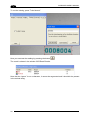
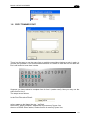
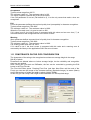
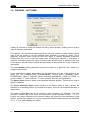
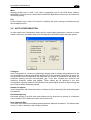
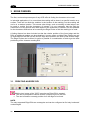
You can try the automatic configuration by pressing the “Configure” button in the Auto
Configuration tab of the configuration window.
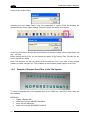
At this point you must try the automatic configuration of characters, still using the button
.
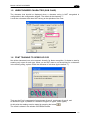
If the result is good, you can proceed with the Font training, otherwise go to the Advanced
configuration.
1.3.3
Advanced Configuration
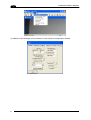
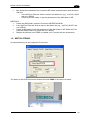
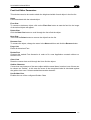
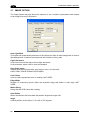
The parameters that are most often changed in the advanced configuration are:
o Horizontal/Vertical Spacing
o Min Gap
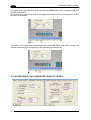
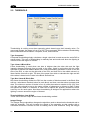
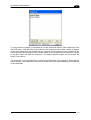
o Char Constraints (see window II alongside)
o Edge Width is very useful to make the segmentation more robust.
o If necessary, also the type of segmentation used.
8