1
VAMPSET
3.1.4.
3 Communication-menu
3.1 Communication special
commands
Update language
This feature can be used to change the relay‟s language. English
is the default, but some other currently available languages
include Finnish, French, German, Italian and Swedish. The
language files are available from VAMP Ltd. upon request and
they are delivered in a file format “language_x.vlf “, where x
identifies the relay firmware version for which the language file is
intended for.
The procedure for changing the firmware is the following:
1. Make sure that you are using the latest VAMPSET program
from the VAMP Ltd website: http://www.vamp.fi/
2. Copy all the provided files to your hard drive in to a safe
place.
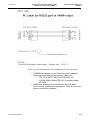
3. Connect the VX003 cable between the PC and relay. USE
ONLY DIRECT SERIAL CONNECT, NO MEDIA
CONVERSIONS OR ETHERNET! USB Serial can be used
if required.
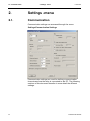
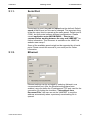
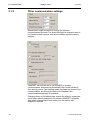
4. Start VAMPSET, select a communication port and speed
from the "Settings/Communication Settings"-menu.
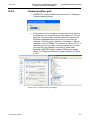
5. Select menu “Communication/Update Language”.
Warning window will be displayed, choose “Yes”. Select the
provided language file i.e. vlf-file. Before pressing "Open"button, make sure that the firmware version of the relay
matches with the one in the vlf-file name. (For example if
the firmware of the relay is 5.75 the vlf file should be
“language_575.vlf”) After the “Open”-button is pressed
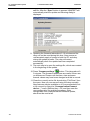
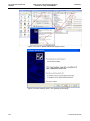
VAMPSET will automatically start to send the language file
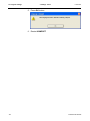
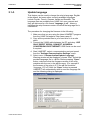
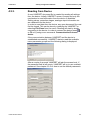
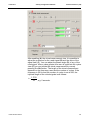
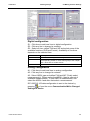
and the following dialog is displayed:
VVAMPSET/EN M/B006
19