1
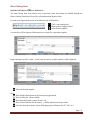
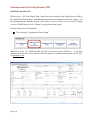
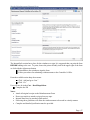
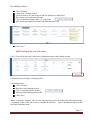
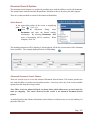
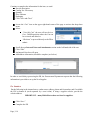
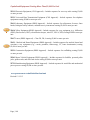
When only one item is to be ordered,
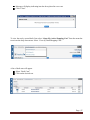
Click “Save and Close”.
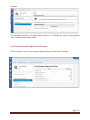
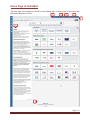
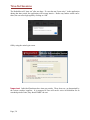
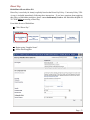
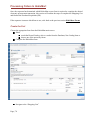
User will now be in the Home Screen of HokieMart.
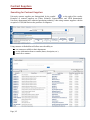
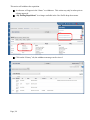
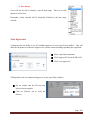
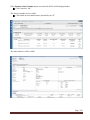
Click on the shopping cart icon in the upper right-hand corner or select the Carts tab.
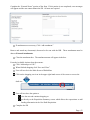
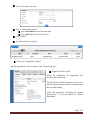
If multiple items are being ordered from the same vendor,
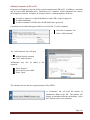
Click “Save and Add Another” after adding each item.
When finished shopping click “Save and Close”.
User will now be in the Main Screen of HokieMart.
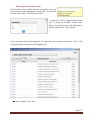
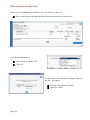
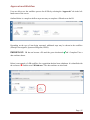
Click on the shopping cart icon in the upper right-hand corner of the screen to access the draft
cart.
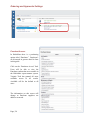
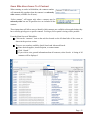
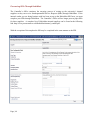
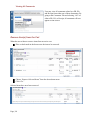
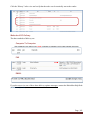
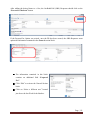
User will now have the option to
view the cart and continue shopping or
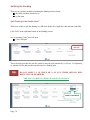
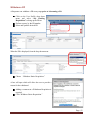
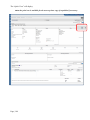
go directly to the Requisition Summary screen which allows the requester to add
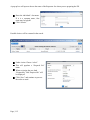
funding information in the Cart Draft Requisition.
Complete the PR.
Page | 52