1
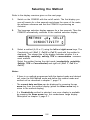
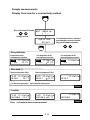
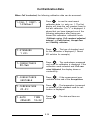
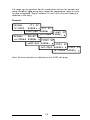
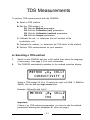
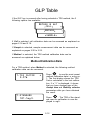
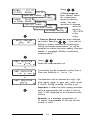
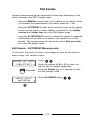
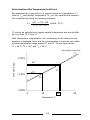
B1 - Editing the Method parameters
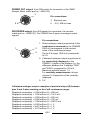
METHOD B
CELL1
CONDUCTIVITY
Method
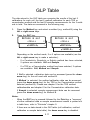
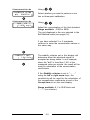
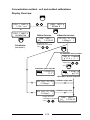
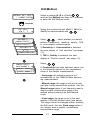
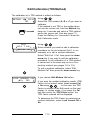
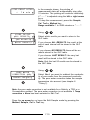
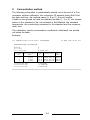
Select a method (A, B or C) with
and hold
the Method key down for 3 seconds to enter the
Edit Method mode.
For example: method B
3 seconds
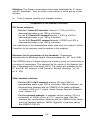
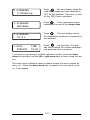
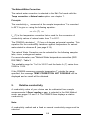
USE CELL
1 2 3
METHOD B
CONCENTRATION
UNIT SELECTION
mg/l
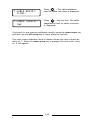
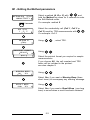
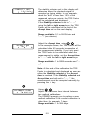
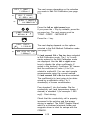
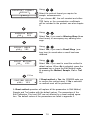
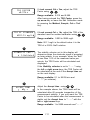
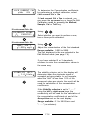
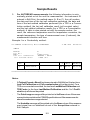
Select the conductivity cell (Cell 1, Cell 2 or
Cell 3) used for Concentration measurements
with
. For example: Cell 2.
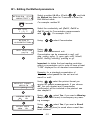
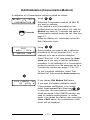
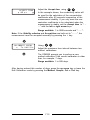
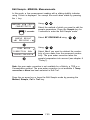
Using:
, select Concentration.
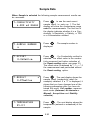
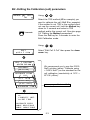
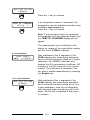
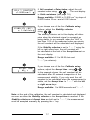
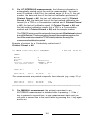
Using:
Select the measurement unit.
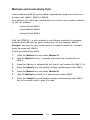
Concentration can be measured in mg/l, µg/l,
g/kg, mg/kg, µg/kg, %, ppm, ppb, mol/l, mmol/l,
µmol/l, mol/kg, mmol/kg, µmol/kg or g/l.
Important: to obtain the best reading resolution,
select a concentration unit in order to have at least
"1.000" displayed for all standard concentrations.
Example: for a standard concentration of
10 µmol/l, select µmol/l for the unit and not
mmol/l or mol/l.
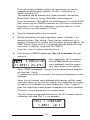
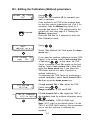
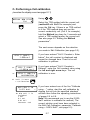
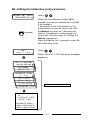
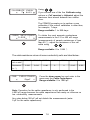
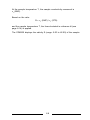
PRINTOUT FORMAT
RESULT
PRINTOUT
FORMAT
ALL
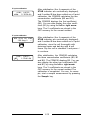
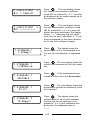
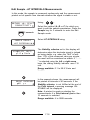
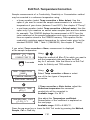
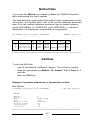
Using
, select the printout format you
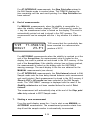
require for sample measurements: If you choose
All, the cell constant and Concentration
coefficient(s) will be included in the printout: see
also chapter 9.
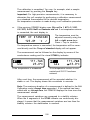
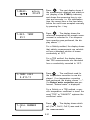
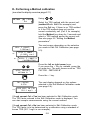
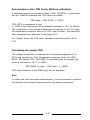
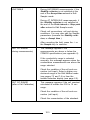
WARNING BEEP
NO
YES
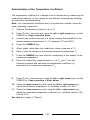
Using
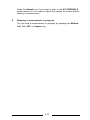
, select Yes, if you want a Warning
Beep (three short tones) to accompany any warning message.
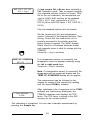
RESULT BEEP
NO
YES
Using
, select Yes, if you want a Result
Beep (one long tone) to sound when a result has
been obtained.
6.2