1
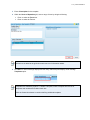
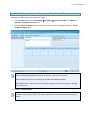
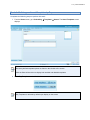
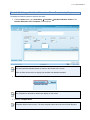
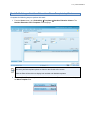
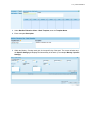
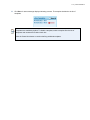
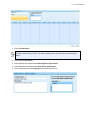
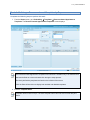
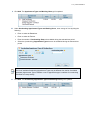
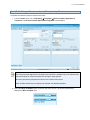
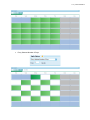
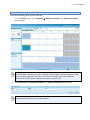
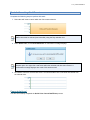
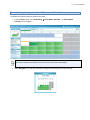
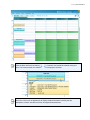
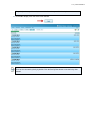
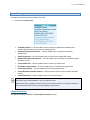
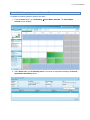
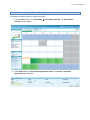
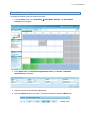
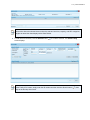
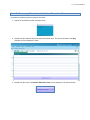
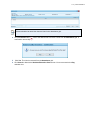
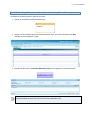
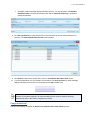
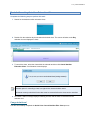
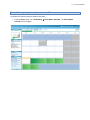
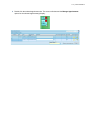
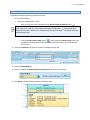
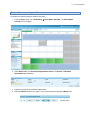
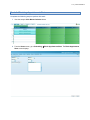
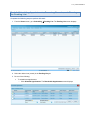
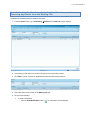
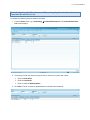
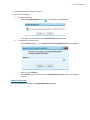
v 1.0 - posted 07/05/2014 Task A. Creating Staff Events Complete the following steps to perform this task: 1. From the Home screen, go to Scheduling Staff Event Calendar. The Staff Event Calendar screen displays. The Staff Event Calendar menu option is available to users logged in at the local agency or state level only. When logged in at the clinic level, users are required to access the staff event calendar via the Clinic Master Calendar menu option and Quick Links.