1
User’s manual for NET200 Emulation Software
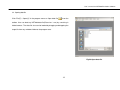
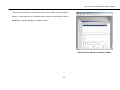
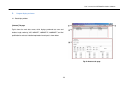
Edit(E)
①
Select All(A): Select all the items in the active test list or waveform list.
②
Delete(D): Delete selected item(s) in active test list or waveform list. Users can select multiple items at once using Ctrl, Shift, Alt keys. Note
that deleted items can not be recovered.
③
Edit Test Name(N): Change the test name of the selected item(s) in activated test list or waveform list. Users can select multiple items as in
the ‘Delete’ function.
④
Edit Test Location(L): Change the test location of the selected item(s) in activated test list or waveform list. User can select multiple items as
in the ‘Delete’ function.
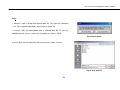
View(V)
①
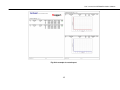
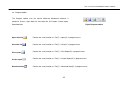
Toolbars(T): Show or hide the toolbar at the top of the program window.
②
Status bar(S): Show or hide the status bar in the bottom of the program window.
22