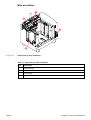
1
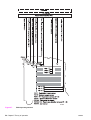
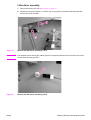
7
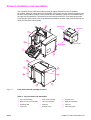
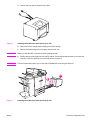
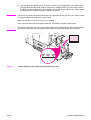
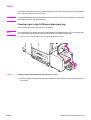
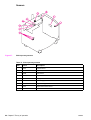
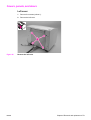
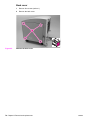
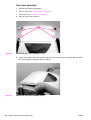
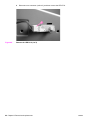
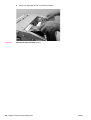
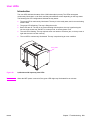
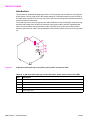
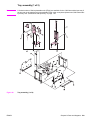
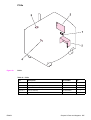
Figure 8.
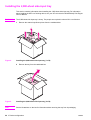
Installing the 2,000-sheet side-input tray (5 of 8)
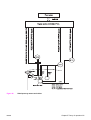
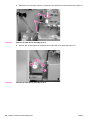
8
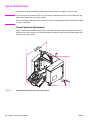
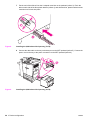
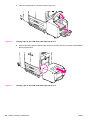
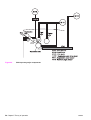
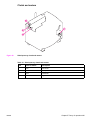
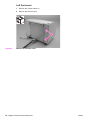
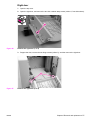
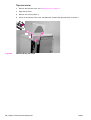
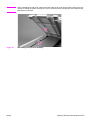
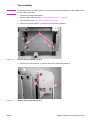
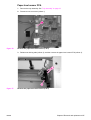
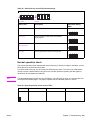
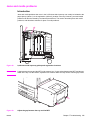
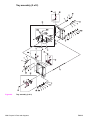
Figure 9.
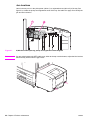
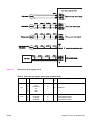
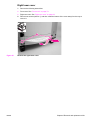
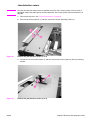
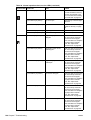
Put the end of the slide rail into the U-shaped metal slot on the pedestal (callout 3). Pinch the
tabs on each side of the blue plastic bracket (callout 4), and slide the blue, plastic bracket into the
metal slot until it locks into place.
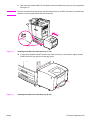
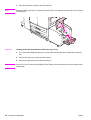
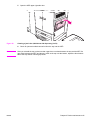
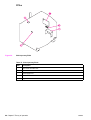
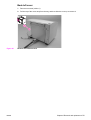
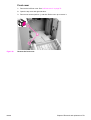
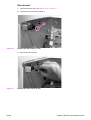
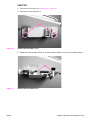
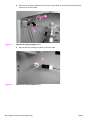
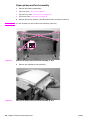
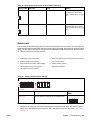
Connect the data cable on the tray to the data port on the MFP pedestal (callout 5). Connect the
power cord on the tray to the power connection on the MFP pedestal (callout 6).
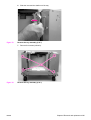
Installing the 2,000-sheet side-input tray (6 of 8)
26 3 Product configuration
ENWW