1
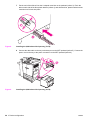
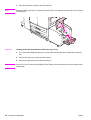
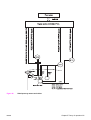
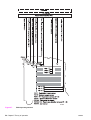
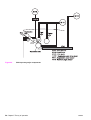
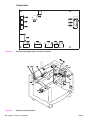
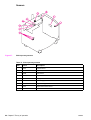
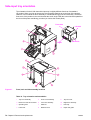
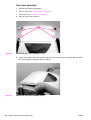
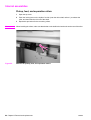
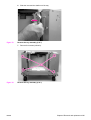
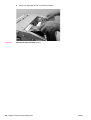
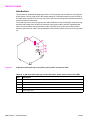
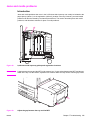
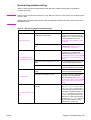
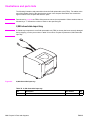
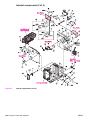
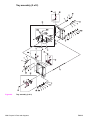
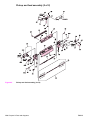
Paper-deck-controller PCA
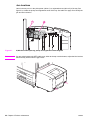
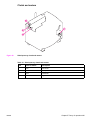
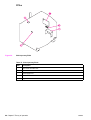
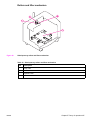
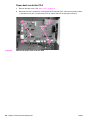
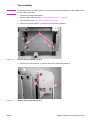
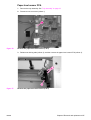
Figure 62.
1
Remove the back cover. See “Back cover” on page 76.
2
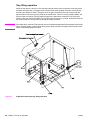
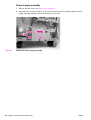
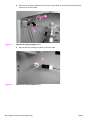
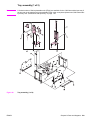
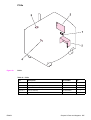
Disconnect all of the connectors on the paper-deck-controller PCA, remove two screws (callout
1), and then use a pair or needle nose pliers to release the PCA locking pins (callout 2).
Remove the paper-deck-controller PCA
88 Chapter 6 Removal and replacement
ENWW