1
DIR-300
Quick Installation Guide
Configuring Local Area Network
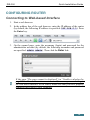
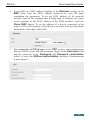
1. Go to the Net / LAN page. If needed, change the IP address of the
router's LAN interface and the mask of the local subnet in the IP
Address and Netmask fields. Then click the Save button.
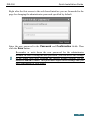
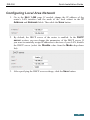
2. By default, the DHCP server of the router is enabled. In the DHCP
server section, you can change the parameters of the DHCP server. If
you want to manually assign IP addresses to devices of your LAN, disable
the DHCP server (select the Disable value from the Mode drop-down
list).
3. After specifying the DHCP server settings, click the Save button.
21