1
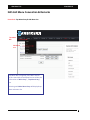
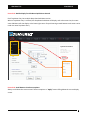
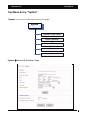
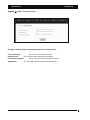
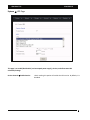
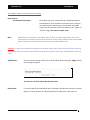
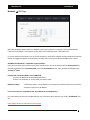
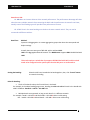
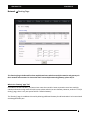
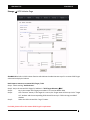
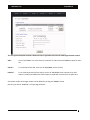
Aberdeen LLC AberNAS LX System Update Page This page is used for following functions: update patch restore previous configuration save existing system configuration reboot the system after updating patch enter new license to enable and reveal special Feature/Function reset system configuration back to factory default. Update: Browse: browse the admin’s local computer for selecting the patch file. No Dependency check: from time to time, some specific patch may require check‐marking this option in order for the new patch to be installed. Update button: click “Update” button to update the selected patch file. After updating the patch, always reboot the system for the patch to take effect. Restore configuration: Browse: browse the admin’s local computer for selecting the previously saved configuration file. Restore configuration button: this button will restored the selected previous‐saved NAS configuration back to the NAS. Reboot for the restored configuration to take effect. 11