1
proVISION-XS Particle Image Velocimetry
5.10. Creating and saving mask images
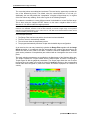
Masking is operated using a binary image overlapped to the acquired images. The mask
image pixels may be white or black: white pixels are transparent, while black ones hide the
corresponding points of the image. When the correlation is done, the points of the mesh that
are over a mask point are not calculated.
A detailed description of the masking tools may be found in the “PIV Processing Tools”
chapter. This section shows how to generate mask images from the images captured by the
cameras in a session.
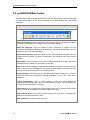
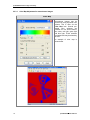
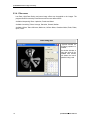
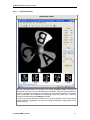
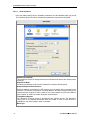
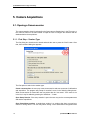
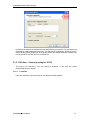
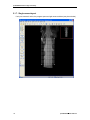
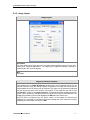
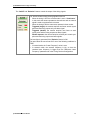
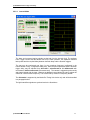
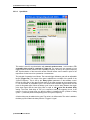
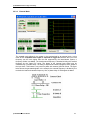
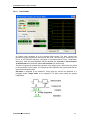
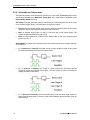
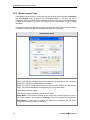
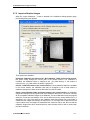
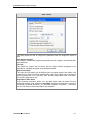
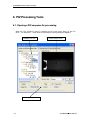
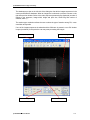
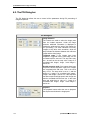
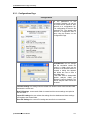
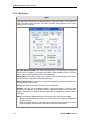
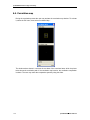
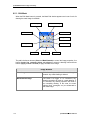
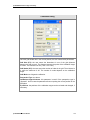
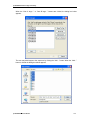
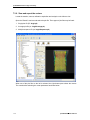
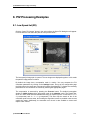
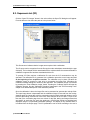
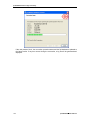
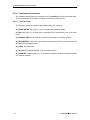
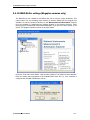
In order to create a mask image from camera images, the Masking need to be activated. To
do this, press the Mask On/Off button and set it to the ON position. If the On/Off button is
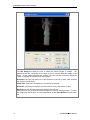
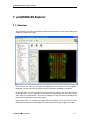
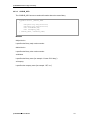
pressed, the other buttons are enabled. If a mask image has been configured it will be
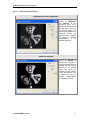
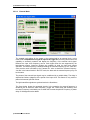
overlapped on the camera image (see picture below).
114
proVISION-XS™ Users Manual