1
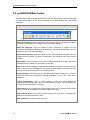
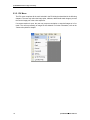
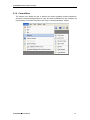
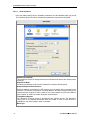
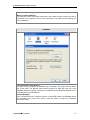
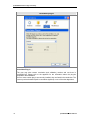
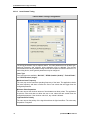
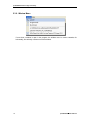
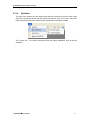
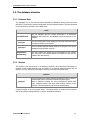
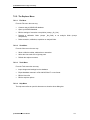
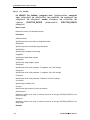
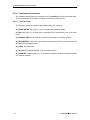
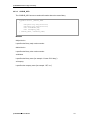
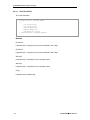
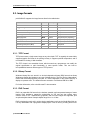
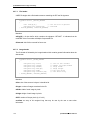
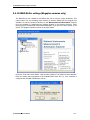
proVISION-XS Particle Image Velocimetry 7.2.2. The Explorer Menu 7.2.2.1. File Menu From the File menu the user may: Create a new proVISION-XS database. Open a proVISION database. Edit the settings of a session or acquisition (except _On_Line). Rename a calibration folder (except _No_Calib) or an analysis folder (except Analysis000). Delete a session, calibration, acquisition or analysis folder. 7.2.2.2. View Menu From the View menu the user may: Show or hide the toolbar, address bar or status bar. Select the view mode of the right top pane. Refresh the explorer contents. 7.2.2.3. Tools Menu From the Tools menu the user may: Import images and settings into the database. Export database contents in a file with MS Word™ or text format. Edit the Users list. Edit the explorer options. 7.2.2.4. Help Menu The Help menu allow to open this document or show the about dialog box. proVISION-XS™ Users Manual 153