1
3.7.2. Selecting users to be collectively managed
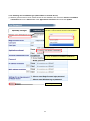
Select the users to be collectively managed.
Note: If a new user is added after making all users collectively managed, these settings must also be
carried out to make the new user collectively managed.
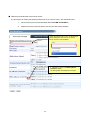
This section explains the steps for making four users (user1, user2, user3, and user4) collectively managed.
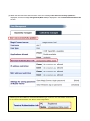
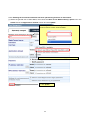
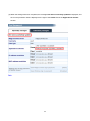
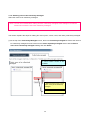
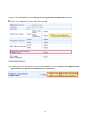
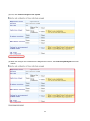
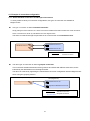
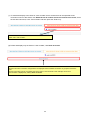
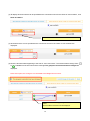
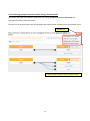
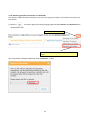
(1) At the top of the Collectively Managed screen, there is a Collectively managed tab. Select the users to
be collectively managed from the user list in the Users separately managed section with the Select
users to be collectively managed heading and click Select.
A “narrow search” function is also
available.
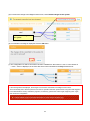
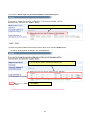
i. Select the users (user1, user2,
user3, user4) to be collectively
managed
ii. Click Select
46