1
TANDBERG Videoconferencing System
General use
Far end camera control (FECC)
far end
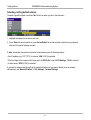
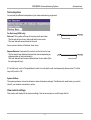
Press the FAR END key until the ‘FarEndCamera’ on-screen indicator is displayed.
For this feature to operate the far end must support ‘Far end camera control’ (H.281).
While activated you will be able to control the far end’s camera (pan/tilt/zoom) and presets.
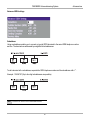
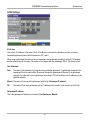
To control the far end camera use the keys below:
for pan/tilt and
OK
zoom
for zooming.
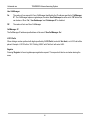
Far end presets can be activated by pressing the keys P1 P2 P3 or the number keys 0-9 to activate presets P0P9.
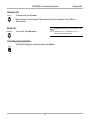
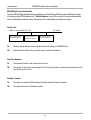
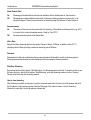
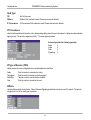
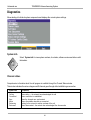
Selection of far end videosources is achieved by pressing the buttons below when in FarEndCamera mode:
main cam
TIP
aux
doc cam
vcr
pc
IT DEPENDS ON THE FAR END SYSTEM CONFIGURATION IF THE FAR END DOCUMENT CAMERA IS DISPLAYED WHEN DOC CAM IS PRESSED.
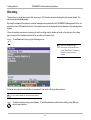
To prevent others controlling your camera, select ‘Far End Camera Control:Off’ in ‘Utilities’.
31