1
Section 2 - Installation
Software Installation
Insert the DUB-E100 CD into your computer’s DVD or CD drive, then proceed to the appropriate installation section on the
following pages for your operating system.
Note: If the user interface does not start up, please go to the Autorun folder in your PC’s CD drive and open Autorun manually.
Windows 7
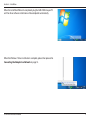
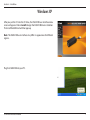
After you put the CD into the CD drive, the DUB-E100 user interface menu
screen will appear. Click on Install to begin the DUB-E100 driver installation.
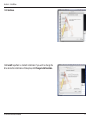
The InstallShield Wizard will then pop up and run automatically.
Note: The DUB-E100 user interface may differ in appearance for different
regions.
D-Link DUB-E100 User Manual
4