1
Editing a Comment
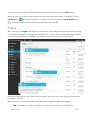
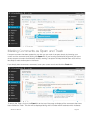
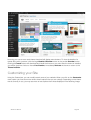
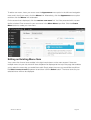
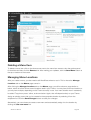
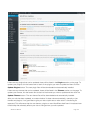
There are two ways to edit a comment. Once you hover over an individual comment you can click the
Quick Edit link or the Edit link. Both perform a similar function except that the Edit option also allows
you to mark the comment as either Approved, Pending or Spam as well as change the Date and Time.
Quick edit
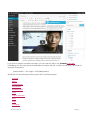
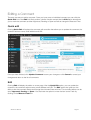
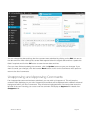
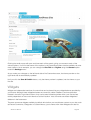
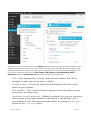
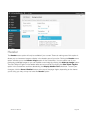
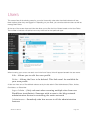
Clicking Quick Edit will replace the comment with an editor that allows you to update the comment, the
comment authors name, email address and URL.
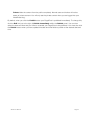
Once you have finished, click Update Comment to save your changes or click Cancel to cancel your
changes and return to the list of comments.
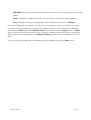
Edit
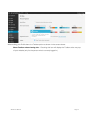
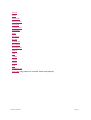
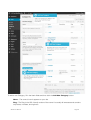
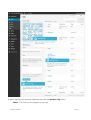
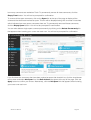
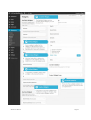
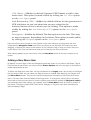
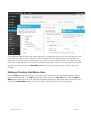
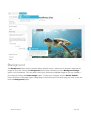
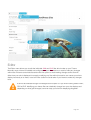
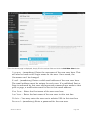
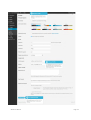
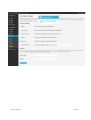
Clicking Edit will display the editor on a new page. Like the Quick Edit option, you can update the
comment, the comment authors name, email address and URL. The Edit option also gives you the
ability to set the comment Status and change the comment Date and time. The comment status can be
set to Approved, Pending or Spam. You also have the option to move the item to the Trash by
clicking on the Move to Trash link.
WordPress Manual
Page:81