1
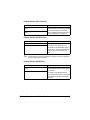
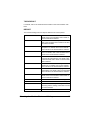
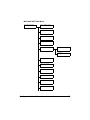
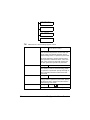
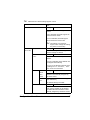
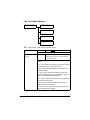
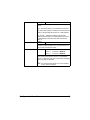
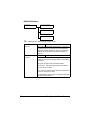
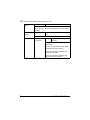
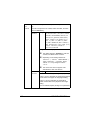
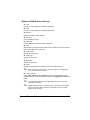
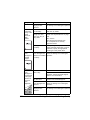
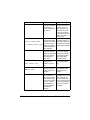
FORWARD
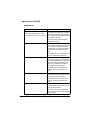
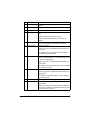
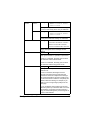
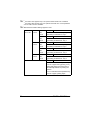
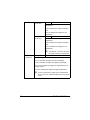
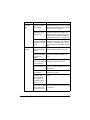
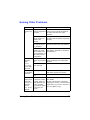
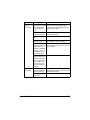
Setting
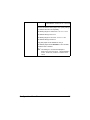
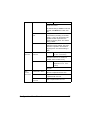
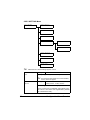
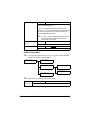
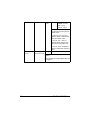
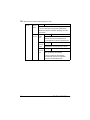
OFF / ON / ON(PRINT)
Select whether or not to forward received fax documents.
OFF: Select this setting to not forward the document.
ON: Select this setting to forward the received fax document to the specified fax number or e-mail address.
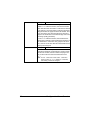
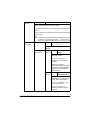
ON(PRINT): Select this setting to forward the
received fax document to the specified fax number or
e-mail address at the same time that the machine
prints it.
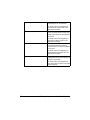
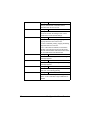
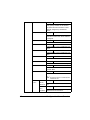
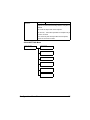
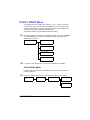
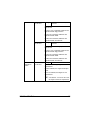
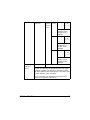
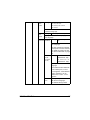
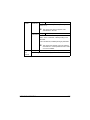
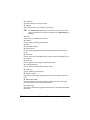
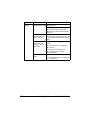
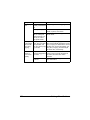
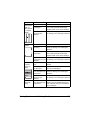
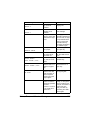
FOOTER
Setting
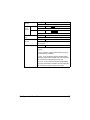
OFF / ON
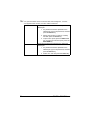
Select whether or not the reception information (date
received, number of pages, etc.) is printed at the bottom of each received document.
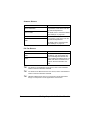
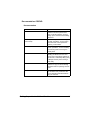
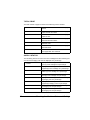
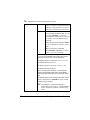
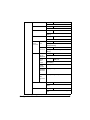
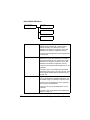
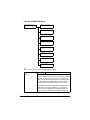
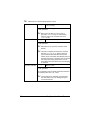
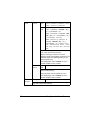
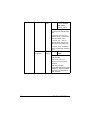
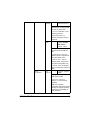
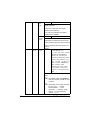
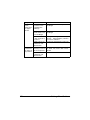
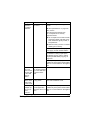
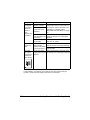
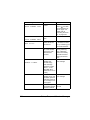
SELECT TRAY
Setting
TRAY1: DISABLE / ENABLE
TRAY2: DISABLE / ENABLE
TRAY3: DISABLE / ENABLE
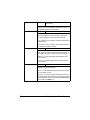
Select which paper tray can be used to supply paper
when printing received documents or transmission
reports. A paper tray that cannot be used for supplying
paper can also be specified.
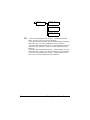
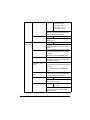
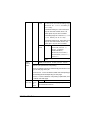
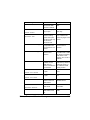
" If an optional lower feeder unit is not installed,
TRAY3 does not appear.
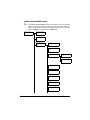
Configuration Menu Overview
63