1
5 START-UP
VG5
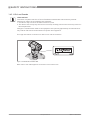
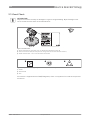
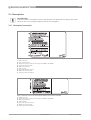
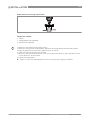
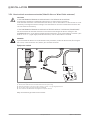
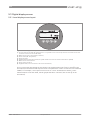
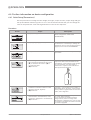
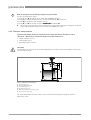
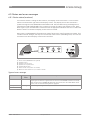
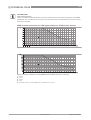
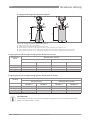
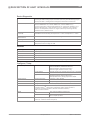
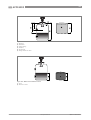
Figure 5-2: Local display screen layout in configuration mode
1 Function name
2 Configuration mode symbol
3 Menu number
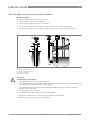
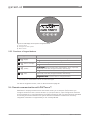
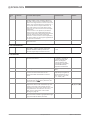
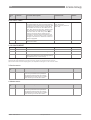
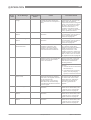
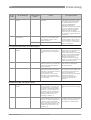
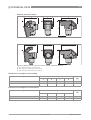
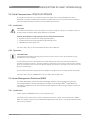
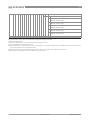
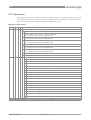
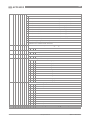
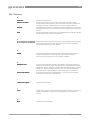
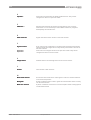
5.3.2 Functions of keypad buttons
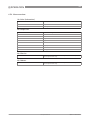
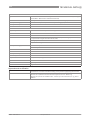
Keypad button
[Right]
[Return / Escape]
[Down]
Function
Normal mode: Enter Information menu (Enter Configuration mode)
Configuration mode: Move cursor to the right
Normal mode: Change units (m, cm, mm, in, ft)
Configuration mode: Exit
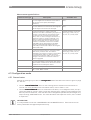
Normal mode: Change measurement type (distance, level , output (%),
output (mA), conversion, ullage conversion, reflection) 1
Configuration mode: Decrease value or change parameter
[Up]
Normal mode: Change measurement type (distance, level , output (%),
output (mA), conversion, ullage conversion, reflection) 1
Configuration mode: Increase value or change parameter
1 If you have made a strapping table in menu item 2.8.1 INPUT TABLE for volume or mass measurement, "Conversion"
and "Ullage Conv." will be shown in the list of measurement types
For data on keypad functions, refer to Normal mode on page 60.
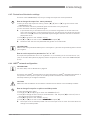
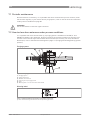
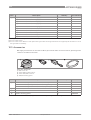
5.4 Remote communication with PACTware™
PACTware™ displays measurement information clearly on a computer (PC) and lets you
configure the device from a remote location. It is an Open Source, open configuration software
for all field devices. It uses Field Device Tool (FDT) technology. FDT is a communication standard
for sending information between the system and the field device. Field devices are easily
integrated. Installation is supported by a user-friendly Wizard.
58
www.hycontrol.com
08/2013 - VG5 manual v1