1
Qosmio F40
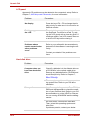
USB
Refer also to your USB device’s documentation.
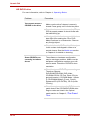
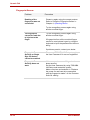
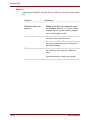
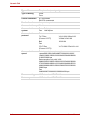
Problem
USB device does not
work
Procedure
Check for a firm cable connection between
the USB ports on the computer and the USB
device.
Make sure the USB device drivers are properly installed. Refer to your Windows documentation for information on checking the
drivers.
If you are using an operating system that
does not support USB, you can still use a
USB mouse and/or USB keyboard. If these
devices do not work, make sure the USB
KB/Mouse Legacy Emulation item in HW
Setup is set to Enabled.
If problems persist, contact your dealer.
10-22
User’s Manual