1
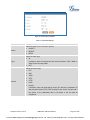
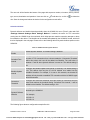
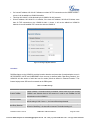
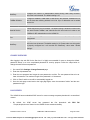
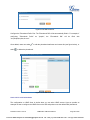
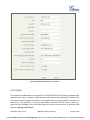
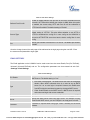
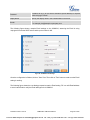
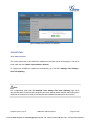
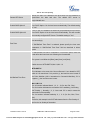
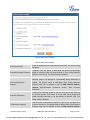
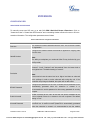
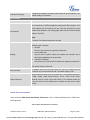
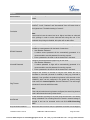
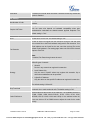
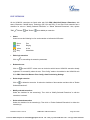
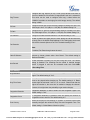
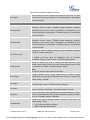
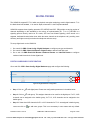
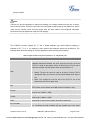
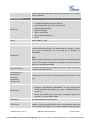
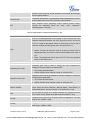
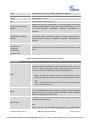
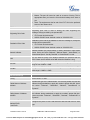
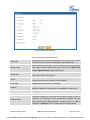
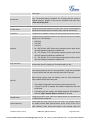
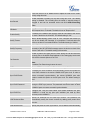
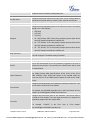
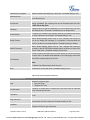
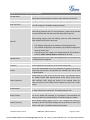
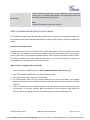
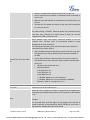
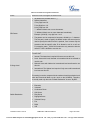
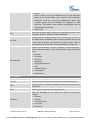
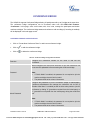
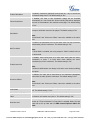
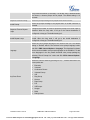
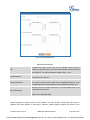
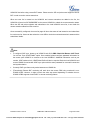
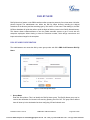
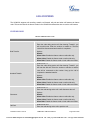
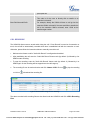
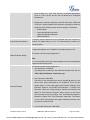
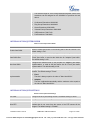
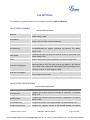
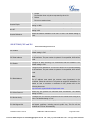
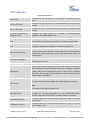
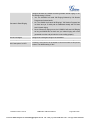
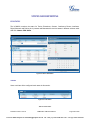
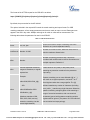
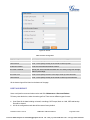
Keep-alive Frequency Configure the number of seconds for the host to be up for Keep-alive. The default setting is 60 seconds. Other Settings SRTP Enable SRTP for the call. The default setting is "No". Enable to detect Fax signal from the user/trunk during the call and send the received Fax to the Email address configured for this extension. If no Email address can be found for the user, send the received Fax to the Fax Detection default Email address in Fax setting page under web GUI->PBX->Internal Options->Fax/T.38. Note: If enabled, Fax Pass-through cannot be used. This option controls how the extension can be used on devices within different types of network. Allow All Device in any network can register this extension. Strategy Local Subnet Only Only the user in specific subnet can register this extension. Up to three subnet addresses can be specified. A Specific IP Address. Only the device on the specific IP address can register this extension. The default setting is "Allow All". Skip Trunk Auth If enabled, users will not need enter the "PIN Set" required by the outbound rule to make outbound calls. The default setting is "No". Select audio and video codec for the extension. The available codecs are: PCMU, PCMA, GSM, AAL2-G.726-32, G.722, G.729, G.723, ILBC, Codec Preference ADPCM, LPC10, H.264, H.263 and H.263p. In the selected codec list, users can click on UP or DOWN arrow to adjust the order for the codec priority. BATCH ADD IAX EXTENSIONS Under web GUI->PBX->Basic/Call Routes->Extensions, click on "Batch Add Extensions"->"Batch Add IAX Extensions". Table 22: Batch Add IAX Extension Parameters Firmware Version 1.0.0.25 UCM6510 IP PBX User Manual Page 75 of 229 VoIPon www.voipon.co.uk [email protected] Tel: +44 (0)1245 808195 Fax: +44 (0)1245 808299