1
Getting Started
Condre CD Duplicator
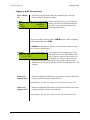
Copying Karaoke CDs (continued)
Back to
“Copy”
copyMode
<mode
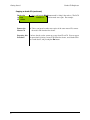
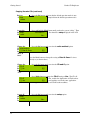
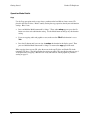
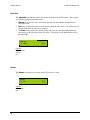
4. Press the Go button, and note that the default operation mode is once
again displayed. In the example below the default operation mode is
copy:
Access the
Sub-Function
setup
Menu
Again
<mod
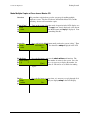
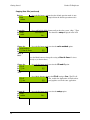
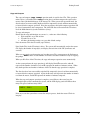
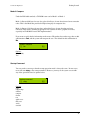
5. Press and hold the Mode button until you hear the system “chirp.” Then
release
the Mode button. You should see setup displayed in the LCD
A553M62:57
panel:
Go>
Change the
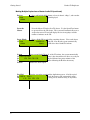
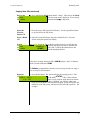
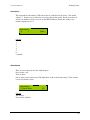
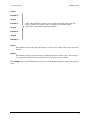
6. Press the Go button until you view the write method option:
Write
Method
write method
Sub-Function
[*] Disc At Once
[Q]
Setting to
“Disc At
Once”
Press the Mode button to change the setting to Disc At Once if it is not
already so (as shown above).
Change the
CD+G
SubCD+G
Function
[*] No
Setting to
“Yes”
CD+G
[*] Yes
Accept all
other
Subsetup
Function
<mode
Defaults
12
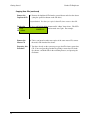
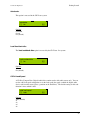
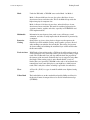
7. Press the Go button until you view the CD and G option:
[Q]
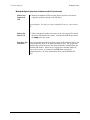
8. Press Mode button to change the CD+G setting to Yes. The CD +G
setting, when switched to Yes, enables the duplication of CDs that have
CD+Graphics: audio,
[Q] text and graphics used in the same application.
This type of disc is usually used for Karaoke machines.
9. Press the Go button until you view the setup option:
Go>