1
What’s inside
Getting started
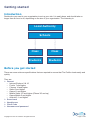
Introduction
Before you get started
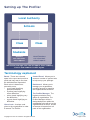
Setting up The Profiler
Terminology explained
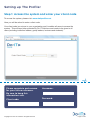
Step 1: Access the system and enter your client code
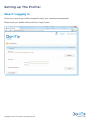
Step 2: Logging in
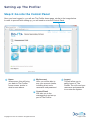
Step 3: Go into the Control Panel
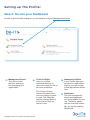
Step 4: Go into your Dashboard
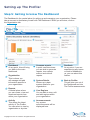
Step 5: Getting to know The Dashboard
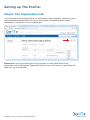
Step 6: The Organisation tab
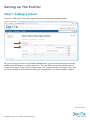
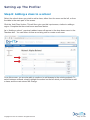
Step 7: Adding a school
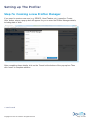
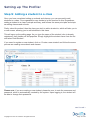
Step 8: Adding a class to a school
Step 9: Adding a student to a class
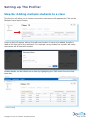
Step 9a: Adding multiple students to a class
Step 10: You’re almost there!
Managing The Profiler
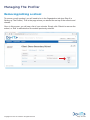
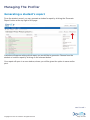
Removing/editing a school
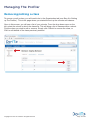
Removing/editing a class
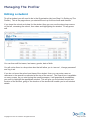
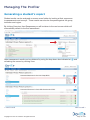
Editing a student
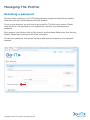
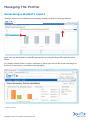
Resetting a password
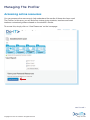
Generating commonly used reports
Viewing a school’s report
Viewing a class’ report
Viewing a student’s results
Generating a student’s report
Accessing online resources
Your package
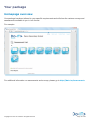
Homepage overview
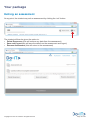
Exiting an assessment
Accessibility
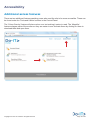
Additional access features
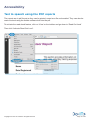
Text to speech using the PDF reports
Copyright 2013 Do-IT Solutions. All rights reserved.
4
4
5
6
7
8
9
10
11
12
14
15
16
17
18
19
20
21
22
25
26
29
30
33
34
35
36
37
Page 3 of 38