1
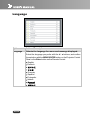
English
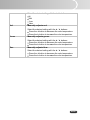
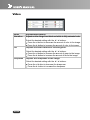
Red
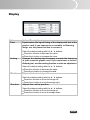
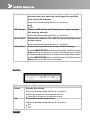
Select the desired setting with the e / f buttons:
Hi
Mid
Low
User
Manually adjusts red.
Green
Select the desired setting with the e / f buttons:
Press the e button to decrease the color temperature.
Press the f button to increase the color temperature.
Manually adjusts green.
Blue
Select the desired setting with the e / f buttons:
Press the e button to decrease the color temperature.
Press the f button to increase the color temperature.
Manually adjusts blue.
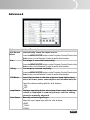
Select the desired setting with the e / f buttons:
Press the e button to decrease the color temperature.
Press the f button to increase the color temperature.
EN-27