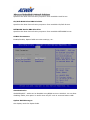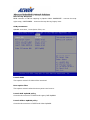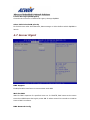
1
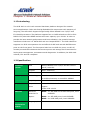
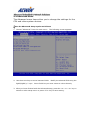
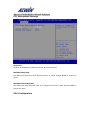
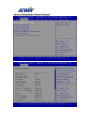
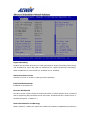
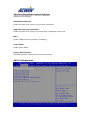
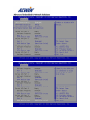
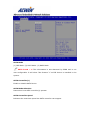
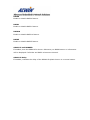
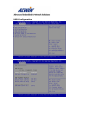
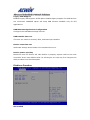
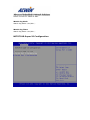
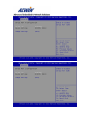
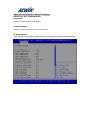
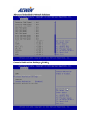
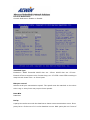
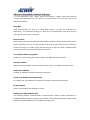
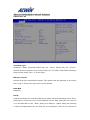
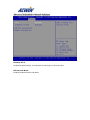
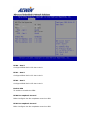
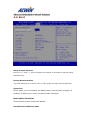
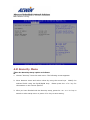
2. Move between items and select values by using the arrow keys. Modify the selected fields using the PgUP/PgDN keys. For information on the various options, please press <F1> key. 3. Press the <> or <> key to switch to other setup menu or press <F4> key to save setting. Save Changes and Reset: Store all changes you made into CMOS and reboot system. F4 key can be used for this operation. Discard Changes and Reset: Discard all changes you made and reboot system. ESC key can be used for this operation. Restore Defaults: This item allows you to load optimal defaults for each setting on the