1
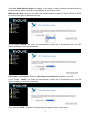
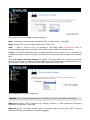
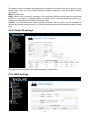
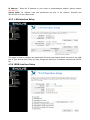
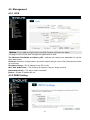
This page is used to configure the parameters for Internet network which connects to the WAN port
of your Access Point. Here you can select the access method to static IP, DHCP, PPPoE or PPTP
by click the item value of WAN Access type.
4.4 Firewall
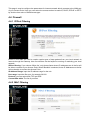
4.4.1 IP/Port Filtering
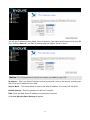
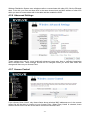
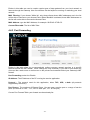
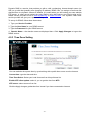
Entries in this table are used to restrict certain types of data packets from your local network to
Internet through the Gateway. Use of such filters can be helpful in securing or restricting your local
network.
IP/Port filtering: If you choose 'White list', only those clients whose IP addresses are in the list will
be able to connect to your Access Point. When 'Blacklist' is selected, these IP Addresses on the list
will not be able to connect the Access Point.
IP Address Range: input the IP address range for the rule
Port range: input the filter port, for example 20-220
Protocol: you can select both TCP and UDP
Current filter table: The list of port filter.
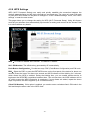
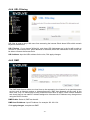
4.4.2 MAC Filtering
- 23 -