1
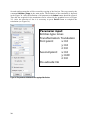
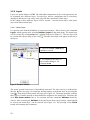
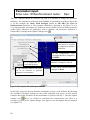
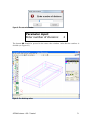
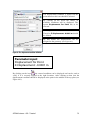
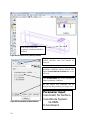
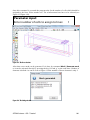
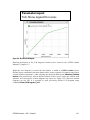
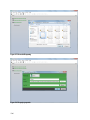
Parameter input:
Tick: Show legend for series
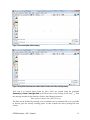
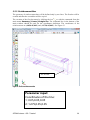
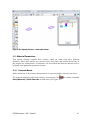
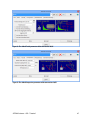
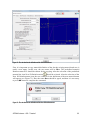
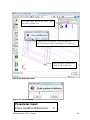
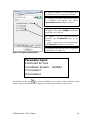
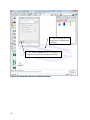
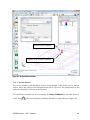
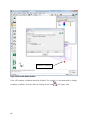
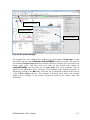
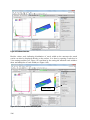
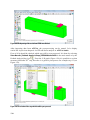
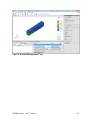
Figure 154: The defined L-D diagram
Detailed description of the L-D diagram creation can be found in the ATENA Studio
Manual [7] chapter 3.5.
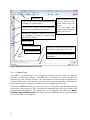
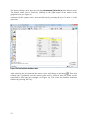
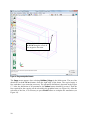
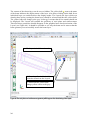
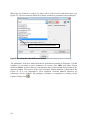
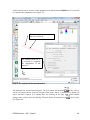
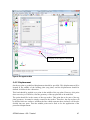
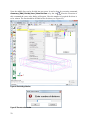
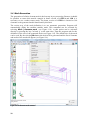
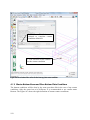
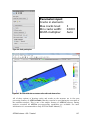
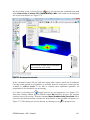
When the new diagram is created the tab-window is added to ATENA Studio layout.
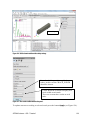
Default layout command in the main menu can be used to organize all windows and restore
original window appearance. After selecting the option Default layout (Window | Default
layout in the main menu), all user defined widows will be closes. Only one window with
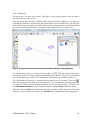
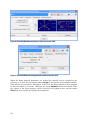
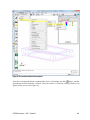
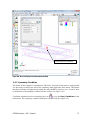
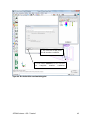
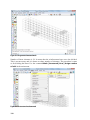
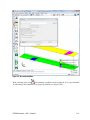
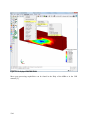
structure and convergence criteria diagram stay open (see Figure 155). But user-defined
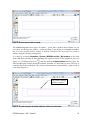
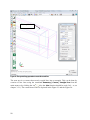
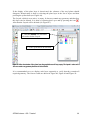
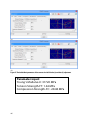
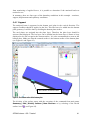
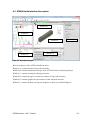
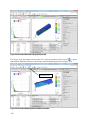
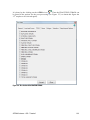
diagrams are not lost. It is possible to open previously defined L-D diagram using
command View | All diagrams | L-D.
ATENA Science - GiD - Tutorial
121