1
Remote Operation
4-41
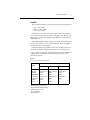
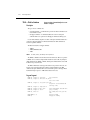
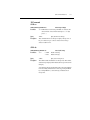
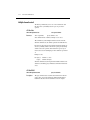
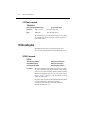
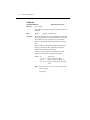
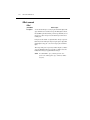
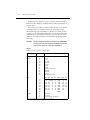
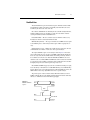
Program Fragment
PRINT #1, "output 16; :syst:pres"
'Select defaults
PRINT #1, "output 16; :init:cont off;:abort"
'Place 2010 in idle
PRINT #1, "output 16; :trig:coun 1; sour tim"
PRINT #1, "output 16; :samp:coun 5"
'Program for five measurements
'and stop (idle)
PRINT #1, "output 16; :init; *opc?"
'Start measurements and send
'*opc?
PRINT #1, "enter 16"
'Get response when 2010 goes into
'idle
LINE INPUT #2, a$
'Read contents of Output Queue
PRINT a$
'Display the ASCII "1"
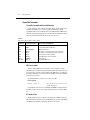
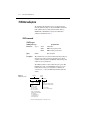
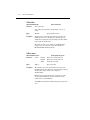
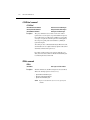
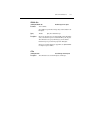
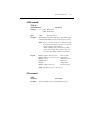
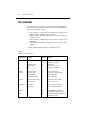
*OPT? — Option Identification Query
Determine if an option is installed
Description
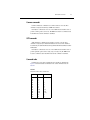
The response message indicates the presence or absence of an optional scanner card. For
example:
0
200X-SCAN
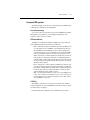
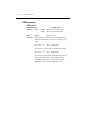
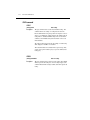
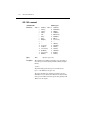
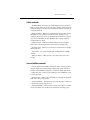
*RCL — Recall
No scanner card installed
Scanner card installed
Return to setup stored in memory
Parameters
<NRf>=0
Description
Use this command to return the Model 2010 to the configuration stored in memory. The *SAV
command is used to store the setup configuration in memory location.
Only one setup configuration can be saved and recalled.
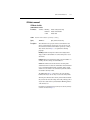
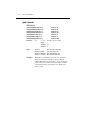
The Model 2010 ships from the factory with :SYSTen:PRESet defaults loaded into the
available setup memory. If a recall error occurs, the setup memory defaults to the
:SYSTem:PRESet values.