1
Chapter IV: Advanced Configuration
4-1 Configuration Backup and Restore
You can backup all configurations of this range extender to a file, so you
can make several copies of range extender configuration for security
reasons.
To backup or restore range extender configuration, please follow the
following instructions:
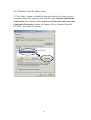
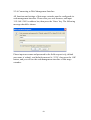
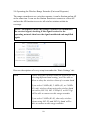
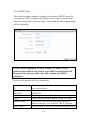
Click the ‘Configuration’ tab in the web management interface, and the
following message will be displayed on your web browser:
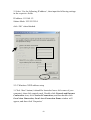
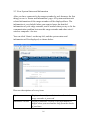
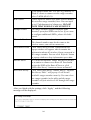
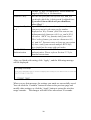
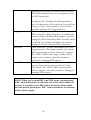
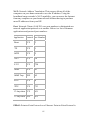
Here are descriptions of every button:
Backup Settings
Restore Settings
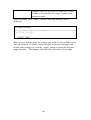
Press ‘Save...’ button, and you’ll be prompted to
download the configuration as a file, default
filename is ‘config.bin’, you can save it as another
filename for different versions, and keep it in a safe
place.
Press ‘Browse…’ to pick a previously-saved
configuration file from your computer, and then
click ‘Upload’ to transfer the configuration file to
47